How to Charge Laptop With Phone Charger
Yes — many USB-C phone chargers can safely charge compatible laptops at lower speeds.
I’ve tested chargers, cables, and laptops for years, so I’ll walk you through exactly how to charge laptop with phone charger the smart way. This guide explains the technology, shows which phone chargers work, lists step-by-step actions, warns about risks, and gives practical tips from real use. Read on to learn safe, effective methods for powering your laptop with a phone charger.

How charging with a phone charger works
USB-C with Power Delivery (PD) is the key. Modern phone chargers that support PD talk to the laptop and agree on a safe voltage and current. If the charger and laptop both support PD, the charger sends the right amount of power.
Not all phone chargers speak the same language. Older USB-A chargers or fast-charge protocols made for phones may not negotiate the correct laptop voltage. That prevents charging or slows it a lot. Understanding PD and wattage makes it easy to know when and how to charge laptop with phone charger.

Source: anker.com
Which phone chargers can charge a laptop?
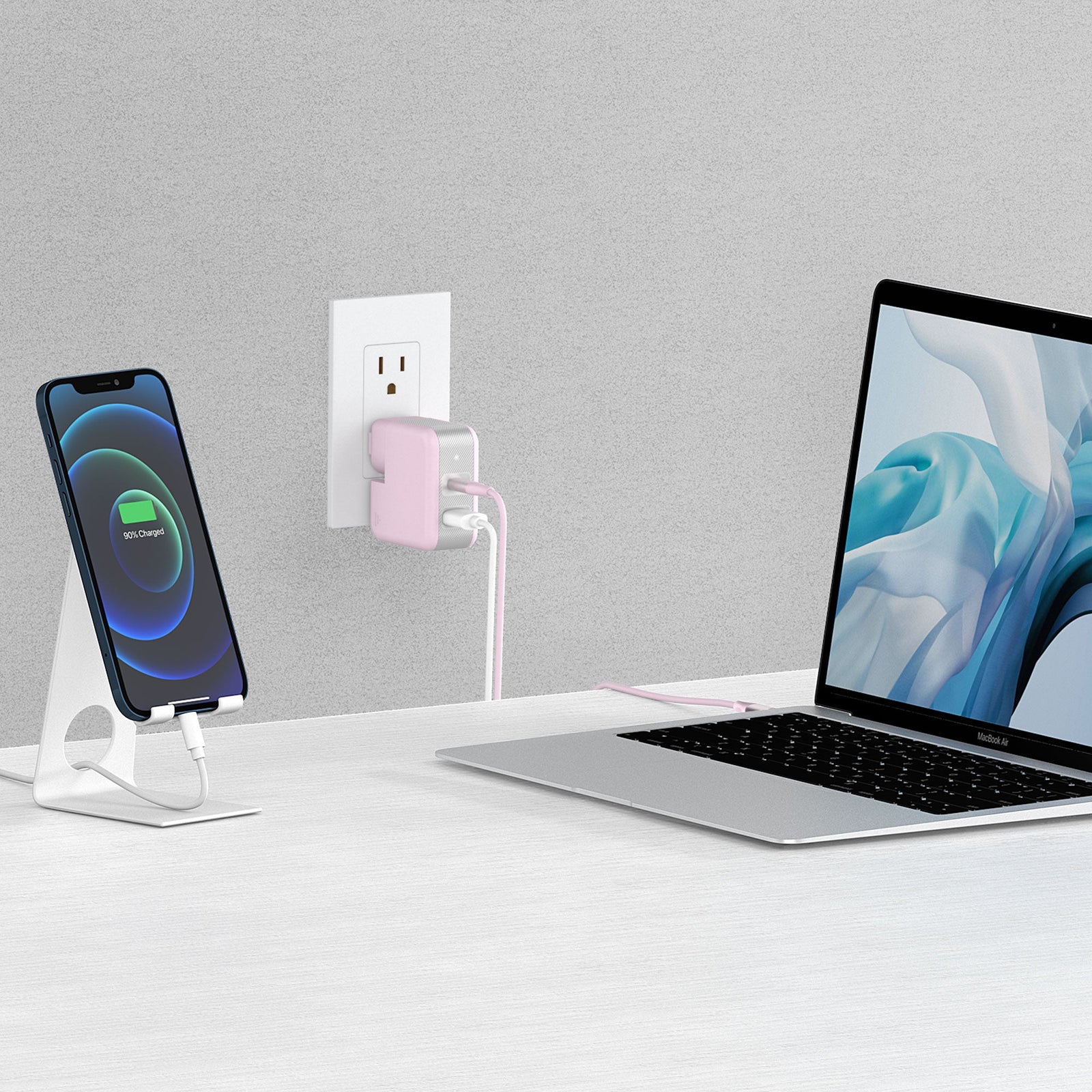
Most small phone chargers are 18W to 30W. Some high-end phone chargers are 45W, 65W, or even 100W. Laptops that accept USB-C PD will charge if the charger can supply enough wattage for the laptop’s minimum needs.
- 30W chargers — Good for small ultrabooks and tablets. Charge slowly or maintain battery under light use.
- 45W chargers — Better for many thin laptops; reasonable charging speed.
- 65W to 100W chargers — Best for power-hungry laptops. Provide full-speed charging if the laptop accepts that wattage.
- Non-USB-C phone chargers — Will not charge USB-C laptops. Barrel-plug laptops cannot use phone chargers without special adapters.
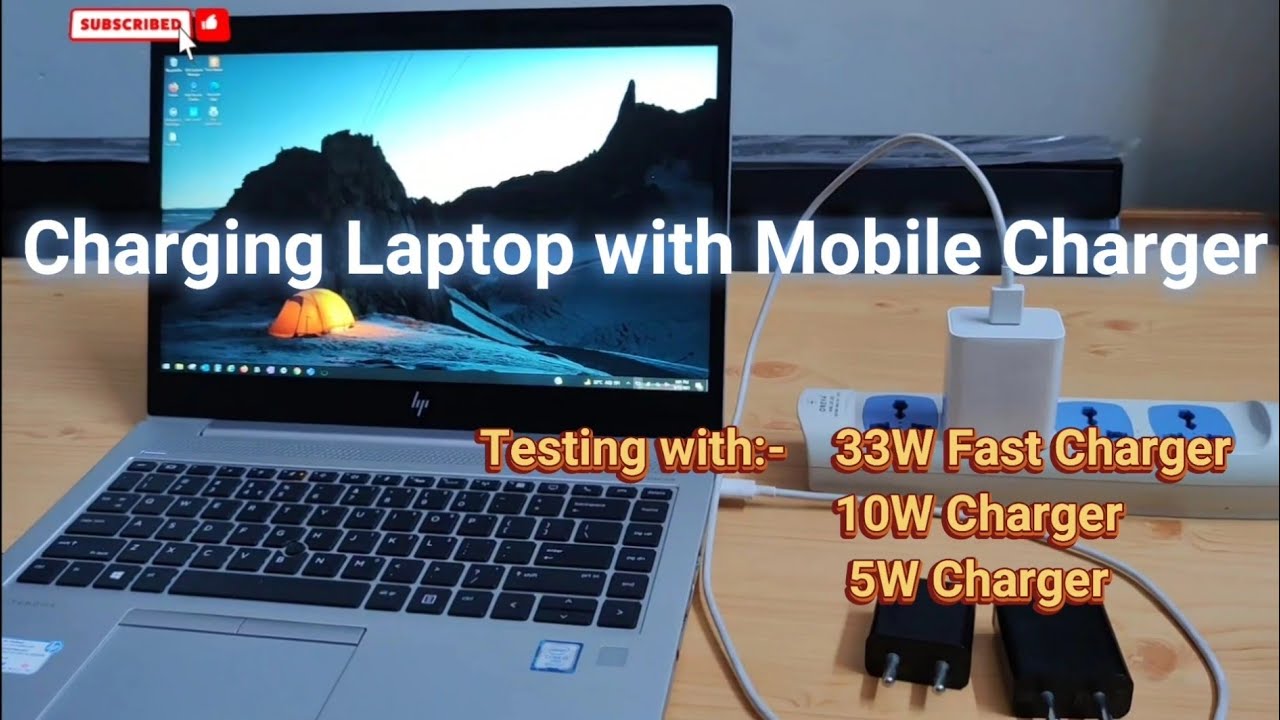
Before trying to learn how to charge laptop with phone charger, check your laptop’s USB-C PD support and the charger’s PD output. If specs don’t match, charging may not start.
Source: youtube.com
Step-by-step: how to charge laptop with phone charger
- Check the laptop port and specs. Confirm your laptop has a USB-C port with PD input and note the needed wattage.
- Check phone charger rating. Read the charger label for PD outputs like 5V/3A, 9V/3A, 15V/3A, or 20V/3.25A and the wattage.
- Use a proper cable. Use a good USB-C to USB-C cable rated for PD and the charger wattage. Cheap cables limit power.
- Connect the wall charger first. Plug the charger into the mains, then connect the cable to the laptop. Watch the laptop charge indicator.
- Monitor power behavior. If charging is slow or the laptop drains while plugged in, close heavy apps or use a higher-watt charger.
If your laptop uses a barrel connector, do not attempt to charge it with a phone charger unless the manufacturer provides a supported adapter. Trying to force a fit can damage hardware.

Source: nekteck.com
Limitations and risks
Phone chargers often supply less power than the laptop’s original adapter. That means slow charging, battery drain under load, or no charging during heavy use. Charging at lower wattage is safe when PD negotiation works, but it may stress the charger if it runs hot for long periods.
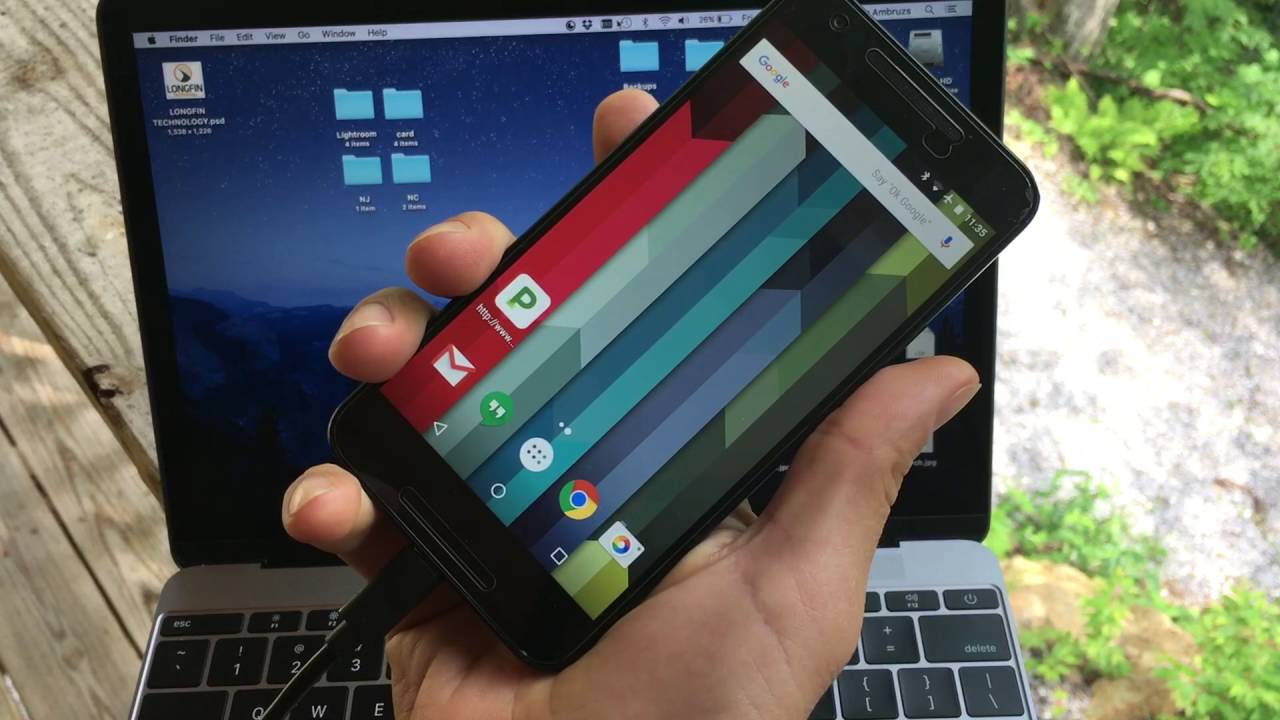
There is a small risk to battery health if the laptop repeatedly runs in a low-power state while attempting to charge. Warranty concerns are rare if you use proper USB-C PD chargers. Still, avoid cheap adapters or cable hacks. I learned this the hard way when a low-rated cable overheated during an afternoon of video editing, which slowed charging and caused thermal throttling.
Source: youtube.com
Alternatives and practical tips
If you frequently need to charge your laptop from phone-style chargers, consider these options:
- Buy a higher-watt USB-C PD charger made for laptops. It’s the simplest upgrade.
- Carry a PD power bank rated for laptop charging. These are handy on long trips.
- Use the original laptop adapter when doing heavy tasks like rendering or gaming.
- Close demanding apps while charging with a phone charger to improve the net charging speed.
- Keep firmware and laptop power settings updated to ensure proper PD negotiation.
People also ask
Can any USB-C phone charger charge a laptop?
Some can, but only if both the charger and laptop support USB-C PD, and the wattage is sufficient. Low-power chargers may only maintain battery charge or charge slowly.
Is it safe to charge a laptop with a phone charger overnight?
If the charger is PD-certified and the cable is rated, it’s generally safe. Avoid cheap, untested chargers and monitor temperature during the first use.
Will using a lower-watt charger damage my laptop?
Using a lower-watt charger usually won’t damage the laptop; it may slow charging or let the battery drain under heavy load. Damage risk rises with poor-quality cables or adapters.
Source: justwireless.com
Frequently Asked Questions on how to charge laptop with phone charger
Is a USB-C phone charger the same as a laptop charger?
No. A phone charger may support USB-C PD but often provides less wattage than a laptop charger. Laptops need adequate wattage to charge quickly or while under load.
What wattage do I need to charge my laptop with a phone charger?
Look at your laptop’s power rating. Many thin laptops work on 30W–45W, while larger ones need 65W–100W. Match or exceed the laptop’s minimum PD requirement.
Can I use my phone charger to charge a MacBook?
If the phone charger supports USB-C PD at sufficient wattage and the MacBook model accepts that wattage, yes. Older MacBooks without USB-C cannot use phone chargers.
How do I know if charging is working?
Check the laptop’s battery icon, LED charging indicator, or system power settings. The laptop may show “Charging” or estimate remaining time when successful.
Do I need a special cable to charge my laptop with a phone charger?
Yes. Use a USB-C to USB-C cable rated for PD and the wattage you need. Lower-quality cables can limit power and overheat.
Conclusion
Charging a laptop with a phone charger can work well when you use the right gear and follow safety steps. Check USB-C PD support, match wattage, use a quality cable, and monitor temperature and charging speed. These small steps let you power a laptop in a pinch without risking hardware.
Try a higher-watt PD charger or a laptop-rated power bank for reliable results. If this guide helped, subscribe for more practical tech tips or leave a comment with your laptop and charger model so I can give tailored advice.