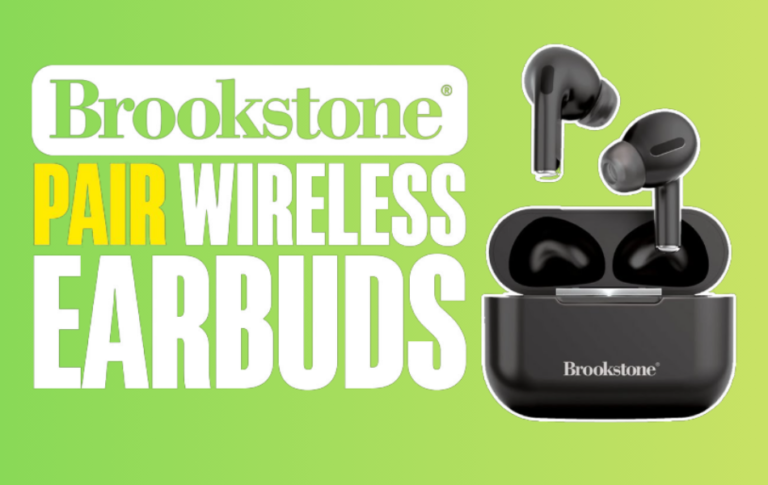
Place earbuds in their case, then charge the case with a cable or a Qi wireless pad.
I’ve tested dozens of true wireless earbud models and fixed common charging issues for years. This guide explains how to charge wireless earbuds step by step, why each method works, and how to avoid mistakes that shorten battery life. Read on for clear, practical advice you can use tonight.
Understanding how to charge wireless earbuds: the basics
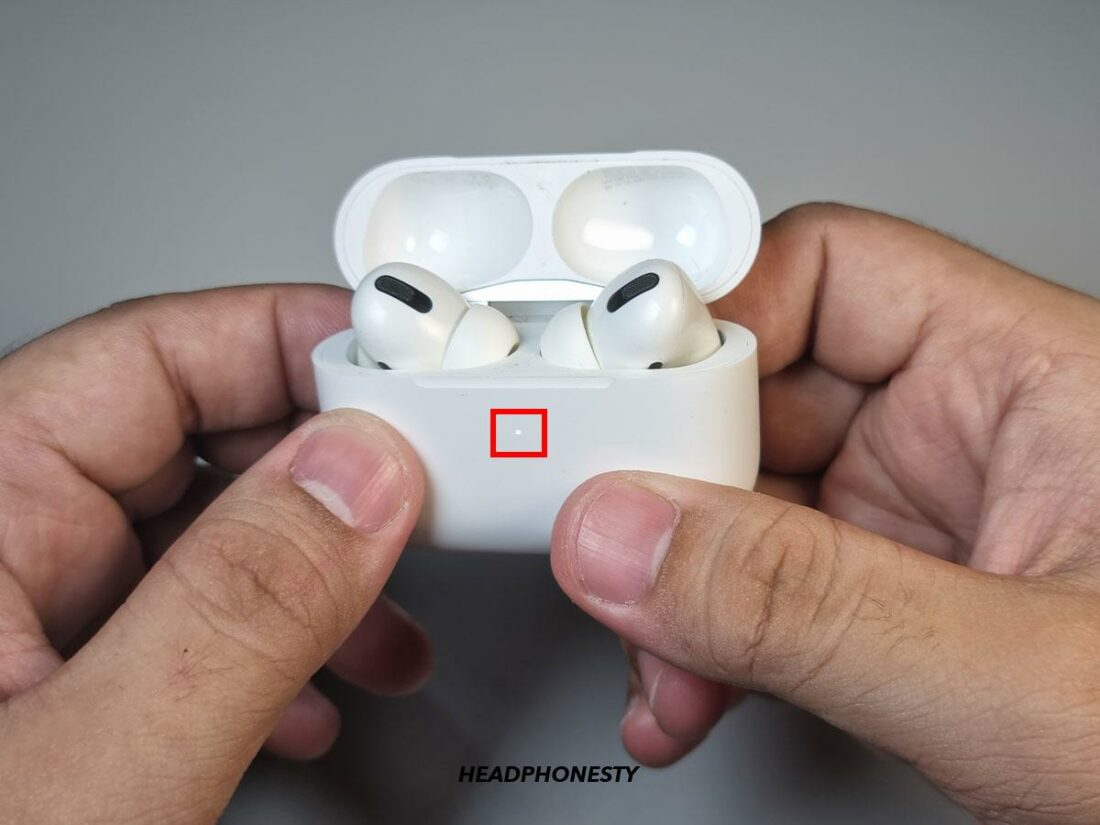
Most wireless earbuds use a small lithium-ion battery inside each bud and a larger battery in the charging case. The earbuds charge when they connect to metal contacts inside the case. The case itself charges through a cable or a wireless pad.
You must match the right cable and power source to the case. Some cases use USB-C, others use Lightning or micro-USB. Some cases support Qi wireless charging. Knowing the method matters for speed and safety.
Common status lights tell you the charge state. A steady light often means full. Blinking or red can mean a low battery or an error.

Source: youtube.com
How to charge wireless earbuds: step-by-step guide
- Inspect the case and earbuds.
- Make sure the contacts are clean and dry.
- Check for dirt or lint in the case and on the earbud pins.
- Place the earbuds correctly in the case.
- Push them gently until they click or sit flush.
- Confirm that the LED on the case or the bud lights up.
- Charge the case with the correct cable.
- Use the cable that fits the case port (USB-C, Lightning, micro-USB).
- Plug into a wall adapter rated 5V/1A or higher as recommended by the maker.
- Use a wireless pad if supported.
- Center the case on a Qi charger.
- Look for a charging indicator on the case.
- Charge partially for a quick boost.
- Many earbuds give 1–2 hours of playtime after a 10–15 minute charge.
- Use short charges when time is limited.
- Fully charge when you can.
- Let the earbuds and case reach full charge overnight occasionally.
- Avoid leaving the case plugged in when full charging is not needed.
How you charge wireless earbuds affects battery health and convenience. Follow these steps to charge reliably.

Source: reddit.com
Types of charging methods and what to use
USB-C cable charging
- Most modern cases use USB-C. It is fast and reversible. Use the original cable when possible.
Lightning and micro-USB
- Older or brand-specific cases use these ports. They work fine, but may be slower.
Qi wireless charging
- Place the case on a Qi pad. Wireless is convenient but often slightly slower.
Power banks and car chargers
- Use a stable output. Avoid cheap fast-charge adapters that exceed recommended voltages.
Charging via laptop or TV
- These ports work but can be slow. Use a wall adapter for the fastest results.
Choosing the right method helps you learn how to charge wireless earbuds safely and quickly.

Source: bilyanagolf.ru
Best practices to maximize battery life
Charge before deep discharge
* Avoid letting batteries die completely. Top up at 20–30% if you can.
Keep temperatures moderate
- Charge and store between 32°F and 77°F (0–25°C) for best longevity.
Use recommended chargers
- High-quality cables and adapters preserve battery health.
Update firmware when available
- Manufacturers sometimes ship fixes that improve charging reliability.
Store partially charged for long-term storage
- If you won’t use them for weeks, store the case at about 40–60% charge.
These habits extend the life of your earbuds and case and make charging more predictable.
Source: headphonesty.com
Troubleshooting common charging problems
Earbuds are not charging in case
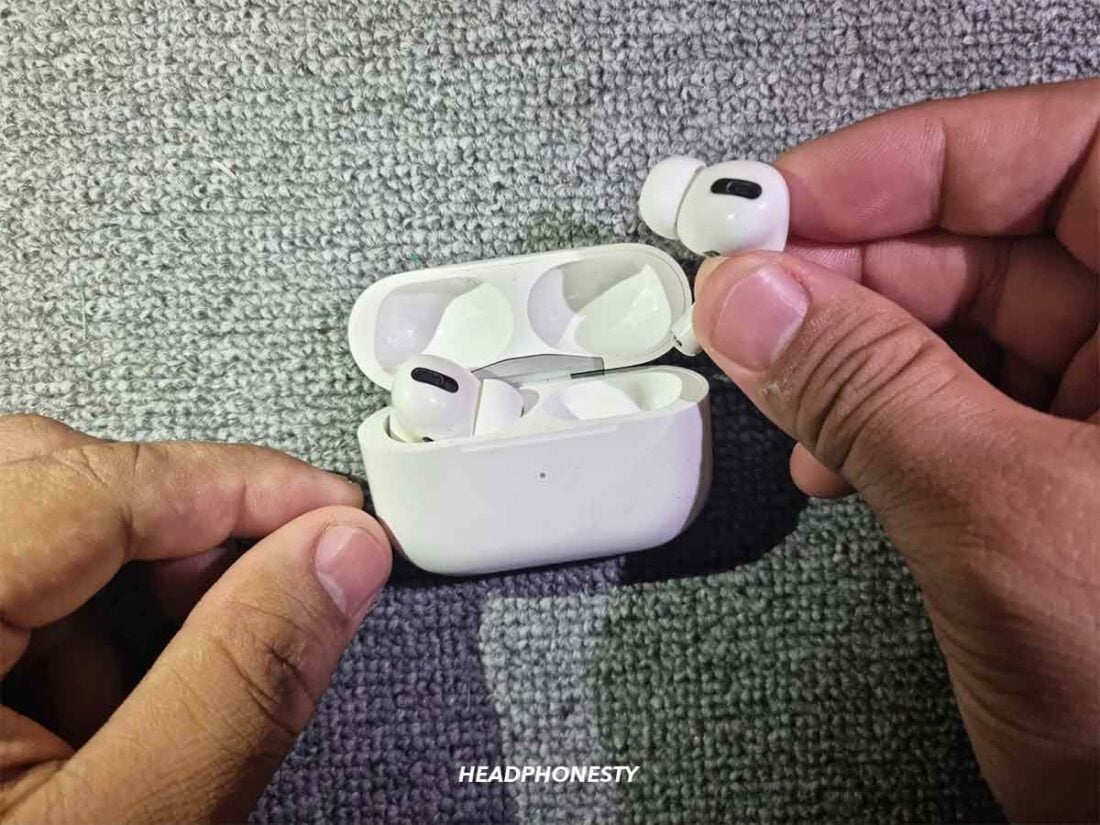
- Clean the contact pins with a dry cloth and ensure the earbuds sit correctly. Try reinserting them.
Case not charging
- Test a different cable and adapter. Check the port for debris and try a different power source.
Slow charging
- Use a higher-output wall adapter that the case supports. Avoid low-current USB ports.
One earbud charges, the other does not
- Reset the earbuds following the manufacturer’s steps. Swap left and right buds and charge again.
LED error signals
- Look up the LED pattern in the manual. Common fixes are a full reset or a firmware update.
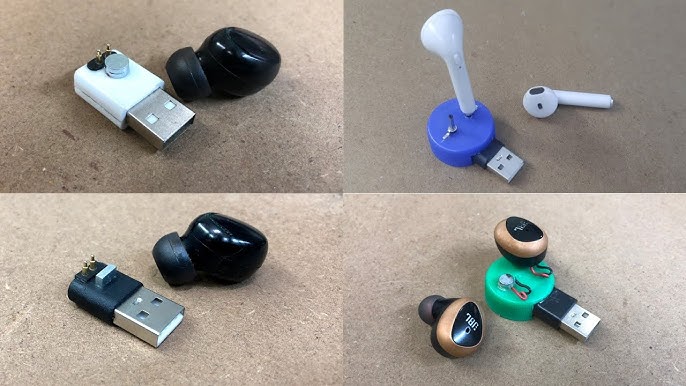
If problems persist, warranty repair or replacement may be needed. Learning how to charge wireless earbuds includes knowing when to escalate to service.
Source: youtube.com
Real-world tips and personal experience
I once cleaned several charging cases after users reported slow charging. Lint in the port and tiny earwax on contacts were the culprits. A quick clean restored normal charging.
I keep a spare USB-C cable and a compact Qi pad in my bag. That helps when I travel and forget the charger. I also learned to avoid cheap third-party fast chargers. They sometimes confuse charging circuits and cause slow or failed charges.
My practical rule: charge often, keep tools clean, and use the original cable when possible. These small steps simplify how to charge wireless earbuds day to day.
Source: laborkreis.de
Frequently Asked Questions on how to charge wireless earbuds
How long should I charge the earbuds the first time?
Charge until the manufacturer’s recommended time or until the indicators show full. Typically 1–2 hours for earbuds and 1–3 hours for the case.
Can I use any USB charger to charge the case?
Yes, as long as the charger provides a stable 5V output and fits the port. Avoid adapters that exceed the recommended voltage or are very cheap and unregulated.
Is wireless charging bad for battery life?
No. Wireless charging is safe if the case supports Qi. It may be slightly slower, but it does not harm the battery under normal use.
Why do earbuds charge slowly sometimes?
Slow charging can come from a low-power USB port, dirty contacts, or a weak battery. Try a different cable, clean contacts, or use a wall adapter.
Can I charge one earbud at a time?
Many models allow single-bud use and charging. Place the bud in the case and confirm the LED shows charging. Some earbuds require both to be present for syncing.
How do I reset earbuds if charging fails?
Follow the manufacturer’s reset steps, which usually involve holding buttons on the case or buds. Resetting often clears pairing and charging glitches.
Conclusion
You now know how to charge wireless earbuds safely and effectively. Follow the steps for placing buds in the case, use the correct cable or Qi pad, and adopt simple habits to protect battery life. Try cleaning contacts and keeping a spare cable for peace of mind.
Take action today: clean your case, test a proper charger, and set a small charging routine to keep your earbuds ready. If this helped, leave a comment or subscribe for more practical tech tips.