Most gaming laptops last 3–6 years for strong gaming, and up to 6–8 years for light use.
I’ve tested and repaired many gaming laptops over the years. In this article I’ll explain how long does a gaming laptop last, why lifespan varies so much, and how you can stretch your machine’s useful life. Expect clear, practical advice, benchmarks, and hands-on tips you can use when buying, maintaining, or upgrading a gaming laptop.

Typical lifespan ranges and what to expect
Most gaming laptops follow a predictable life pattern. For heavy gamers who want top frame rates, expect 2–4 years before your laptop struggles with new games at high settings. For users who accept medium settings, 4–6 years is common. If you only do light tasks and mild gaming, a gaming laptop can stay useful for 6–8 years.
Here’s a simple breakdown:
- 0–2 years: Peak performance. New games run well on high or ultra settings.
- 2–4 years: Still good. Newer games may need settings trimmed to high or medium.
- 4–6 years: Usable for many games at medium settings or esports titles at high FPS.
- 6+ years: Best for non-demanding games and general use unless upgraded.
How long does a gaming laptop last depends on use, care, and the original specs. I’ll dive into the factors next.

Source: co.uk
Key factors that determine how long does a gaming laptop last
Many things influence laptop lifespan. You can control several of them.
- Hardware quality
- Higher-end GPUs and CPUs age more gracefully.
- Better cooling and build materials make a big difference.
- Usage patterns
- Long gaming sessions and 24/7 use increase wear.
- Travel and knocks speed up physical failure.
- Heat and cooling
- Poor airflow shortens component life.
- Dust buildup raises temperatures and stress.
- Power and battery habits
- Frequent full discharges and heat while charging reduce battery health.
- Software demands
- New games demand stronger hardware over time.
- OS updates can change thermal and power behavior.
- Maintenance and upgrades
- Cleaning, reapplying thermal paste, and SSD upgrades extend life.
- Replacing the battery can breathe new life into an old laptop.
Each factor shapes how long does a gaming laptop last in real use. In my shop, machines with good cooling and careful owners last a lot longer.

Source: pcworld.com
Component lifespans: what wears out first
Different parts fail or become obsolete at different rates. Knowing this helps you plan upgrades.
- GPU and CPU
- These don’t “wear out” quickly. They become obsolete as games need more power.
- Expect 3–5 years until current-gen settings are impractical for new titles.
- SSD and HDD
- SSDs often last many years for reads/writes. Endurance depends on drive quality.
- HDDs have moving parts and can fail mechanically sooner.
- RAM
- Rarely fails. RAM becomes a bottleneck if games need more capacity.
- Battery
- Battery health drops noticeably after 2–4 years with heavy use.
- Replacing the battery is often the best fix to extend life.
- Cooling system and fans
- Fans and thermal paste degrade. Cleaning and repasting every 1–3 years helps.
- Screen and keyboard
- Wear depends on use. Keys and hinges can fail from heavy travel and rough handling.
From repairs I’ve done, batteries and fans are the most common replacements. The GPU/CPU usually stays functional but becomes dated.

Source: pcworld.com
Battery life versus overall usable lifespan
Battery life is a separate but important story. A laptop can be fully usable even with a weak battery if it runs plugged in.
- Average battery decline
- Expect 60–80% capacity after 2 years for heavy gamers.
- Light users may see slower decline.
- Replaceable options
- Some models allow easy battery swaps; others require disassembly.
- Charging habits
- Avoid constant 100% charge and high heat to slow aging.
- Use balanced power profiles when possible.
If you ask how long does a gaming laptop last, remember battery life is often shorter than the machine’s overall life. Replacing a battery is cheaper than replacing the whole laptop.

Source: mediapeanut.com
Performance decline and how to measure it
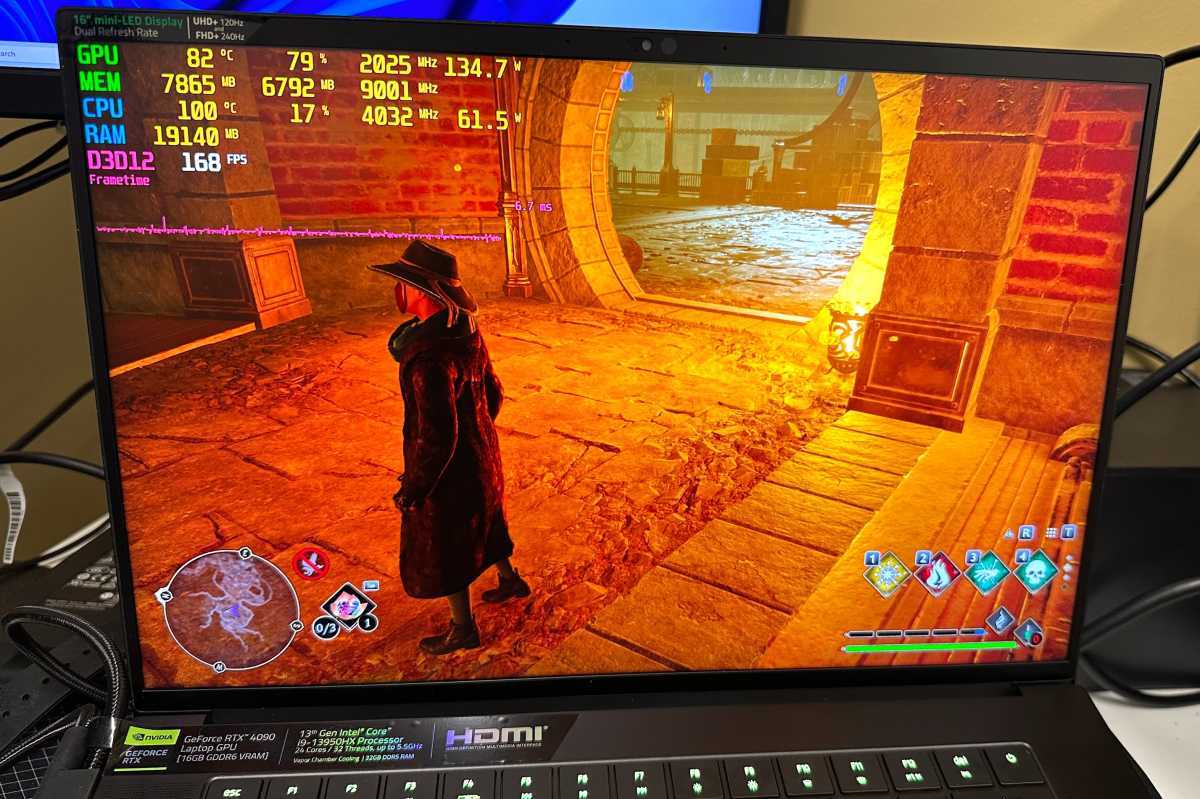
Performance fades for two reasons: hardware aging and software demands. Measure decline with simple tests.
- Use game benchmarks from release year and now.
- Run FPS counters in the same settings to compare.
- Track boot and load times to see storage slowdowns.
People Also Ask
- How quickly does gaming performance drop?
Performance drops slowly. Expect a noticeable gap after 2–4 years for new AAA titles. - Can thermal issues reduce FPS?
Yes. Throttling from heat will lower FPS and can be fixed with cleaning or repasting. - Is GPU replacement possible in laptops?
Most laptops do not allow GPU swaps. Some thin-and-light workstations use MXM modules, but they are rare.
From my tests, the biggest FPS drops are often due to thermal throttling or driver issues—not raw hardware failure.
Source: pcworld.com
How to extend how long does a gaming laptop last: maintenance and upgrades
You can extend useful life a lot with a few habits and upgrades.
Maintenance tips
- Clean fans and vents every 3–6 months.
- Reapply thermal paste every 1–3 years if temperatures rise.
- Use a cooling pad for long sessions.
- Keep drivers and BIOS updated for stability and performance.
Smart settings
- Cap frame rates to reduce heat and wear.
- Use balanced power plans when not gaming.
- Lower in-game settings when full quality isn’t needed.
Upgrades that help
- Swap HDD to SSD for faster load times.
- Add RAM if you hit memory limits.
- Replace the battery to restore portability.
Personal experience note: I once extended an older gaming laptop’s life by replacing the drive and thermal paste. It went from slow and hot to smooth for two more years of solid gaming at medium settings.

Source: co.uk
Buying tips to maximize longevity
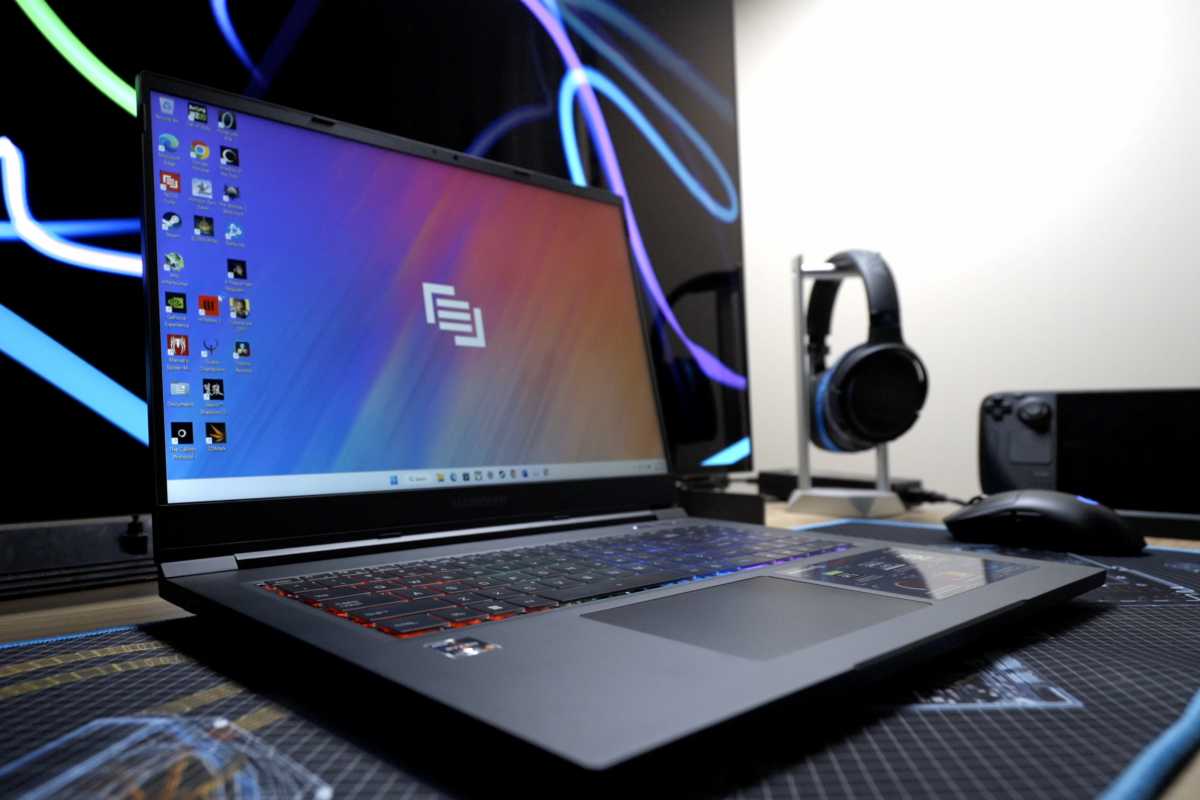
Choose a laptop with future-facing features. Spend wisely on the parts that matter most.
What to prioritize
- Strong cooling system over flashy RGB lighting.
- A good GPU that fits your budget. It matters more than a tiny CPU bump.
- Easily serviceable design for battery and storage swaps.
- Solid-state drive and at least 16 GB of RAM if you game now.
What to avoid
- Slim models with cramped cooling if you plan heavy gaming.
- Low-quality batteries or unknown brand components.
- Buying purely on price if you want longevity.
Think about how long does a gaming laptop last for your needs. If you play every night, buy up a notch for longevity. If you play occasionally, mid-range may be smarter.
Source: pcworld.com
Frequently Asked Questions of how long does a gaming laptop last
How long does a gaming laptop last before it becomes obsolete?
Most gaming laptops start to feel obsolete for top settings after 3–5 years. You can still play older or less demanding games longer.
Can I replace parts to extend lifespan?
Yes. SSDs, RAM, and batteries are the most common and effective upgrades. GPUs are rarely replaceable in mainstream laptops.
Does heavy use shorten lifespan?
Yes. Long daily gaming sessions and high temperatures speed wear. Good cooling and breaks can help a lot.
Is it worth repairing an old gaming laptop?
Often yes. Replacing battery, SSD, or thermal paste is cheaper than buying new. Evaluate repair cost vs performance gains.
How do I know if heat is the problem?
You will see high temps, throttling, and loud fans. Cleaning and repasting usually reduce temperatures and restore performance.
Final thoughts
Gaming laptops can last a long time if you pick the brand, right model and take care of it. How long does a gaming laptop last depends on use, cooling, maintenance, and upgrades. Act early with simple fixes like cleaning, repasting, and SSD upgrades to get years of extra life.
Make a plan now: clean your vents, back up data, and check the battery health. If you enjoyed this guide, try one maintenance tip this week and share your results. Leave a comment, subscribe, or ask a question below.