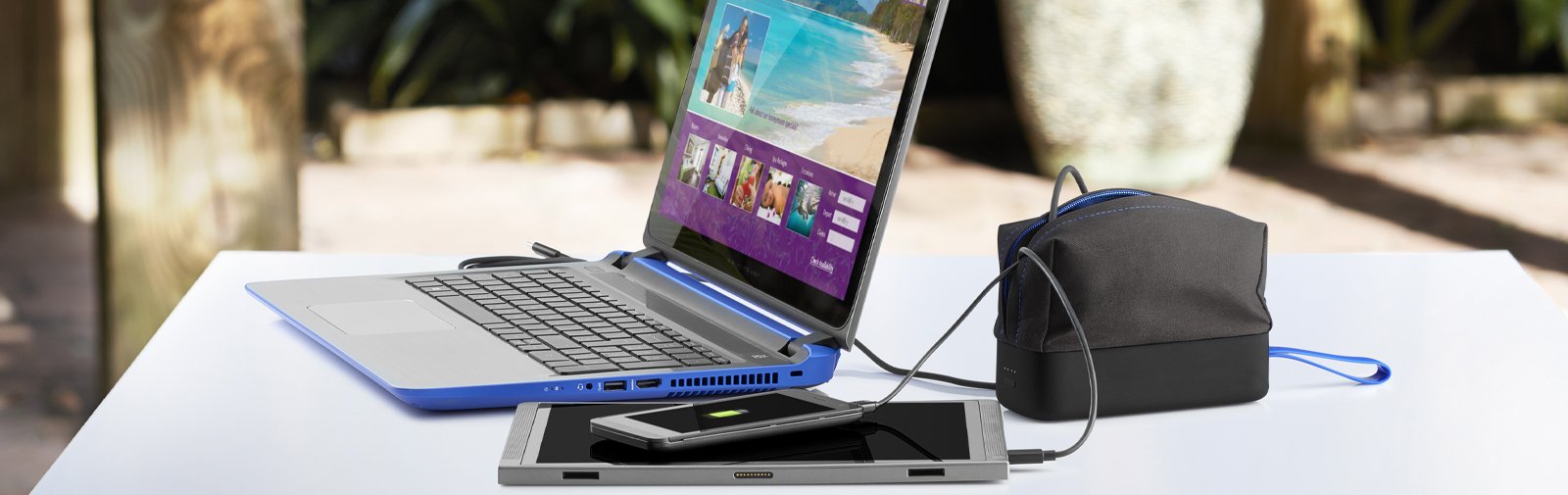
You can charge a laptop without a charger using USB-C PD power banks, another laptop, or a car adapter.
I’ve helped dozens of people get a dead laptop back to life when a charger was missing or broken. This guide explains practical, safe, and tested ways to charge a laptop without a charger, why each method works, what gear you need, and what risks to avoid. Read on for step-by-step methods, real-world tips from my experience repairing devices, and clear safety rules so you can power up fast and safely.
Common ways to charge a laptop without a charger
Here are the most reliable methods for charging a laptop without a charger. I focus on options that work for most modern laptops and explain the limits for older models. Each method below answers how can you charge a laptop without a charger in a practical way.
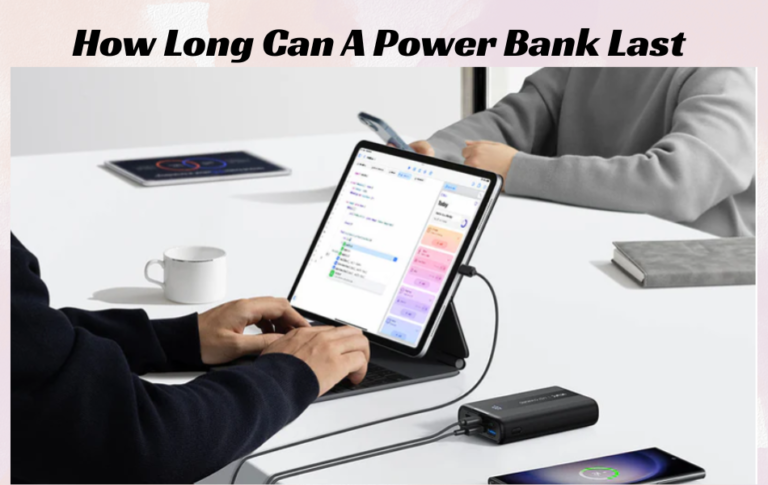
- Use a USB-C Power Delivery (PD) power bank or wall adapter when your laptop supports USB-C charging.
- Use another laptop with a USB-C port or a specialized cable that supports power sharing.
- Use a car charger or inverter that matches your laptop’s power needs.
- Use a universal laptop power bank or external battery designed with the correct DC barrel tip and voltage settings.
- Use the laptop battery externally (remove and use a bench charger) — more technical and often for advanced users only.
These methods cover most real-life scenarios for how can you charge a laptop without a charger. Below I break each option down with steps and safety notes.

Source: youtube.com
USB-C Power Delivery: easiest and safest option
USB-C Power Delivery (PD) is the simplest way to answer how can you charge a laptop without a charger if your laptop supports it. USB-C PD negotiates voltage and current automatically. That makes it safer than guessing voltage with a generic adapter.
- Check your laptop specs or the port icon to confirm PD support.
- Use a high-quality USB-C PD power bank or PD wall adapter rated for your laptop’s wattage (for example 45W, 65W, or 100W).
- Connect with a good USB-C to USB-C cable that supports PD and high wattage.
From experience, a 65W PD charger powers most midrange laptops for everyday use. For gaming laptops or heavy workstations, use 100W PD solutions. If you use a lower-wattage PD source, expect slower charge or no charge while under heavy load.

Source: co.uk
Charging from another laptop or a smartphone power share
Some laptops support power delivery both ways. This lets you learn how can you charge a laptop without a charger by borrowing power from another device.
- Ensure the donor laptop supports USB-C power output.
- Use a USB-C to USB-C cable rated for PD.
- Connect and confirm charging icon or battery indicator on the target laptop.
I once used my business laptop to power a colleague’s machine on a train. It worked for a quick boost but was slow. Always confirm both devices’ PD roles to avoid surprises.

Source: laptoptestguide.com
Car charging and inverters: on the road solutions
If you’re traveling, a car can often provide the power you need. This answers how can you charge a laptop without a charger when you’re away from buildings.
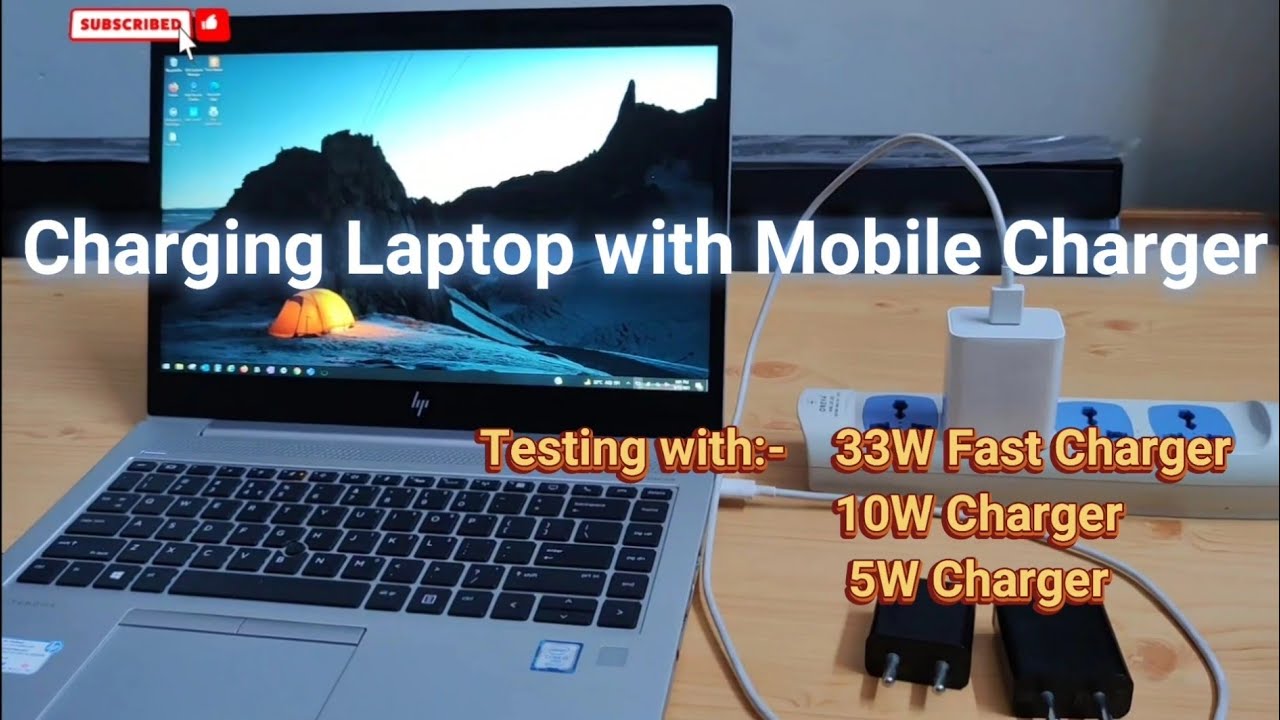
- Use a car USB-C PD adapter that supports the required wattage.
- For laptops that need barrel connectors and specific voltages, use a car inverter plus your regular charger. Ensure the inverter matches the charger wattage.
- Secure the inverter to prevent damage from bumps.
Car power works well for short trips and emergencies. It is less efficient and can drain your car battery if the engine is off. Use the engine or a high-capacity battery to avoid risking a dead car battery.
Source: youtube.com
Universal laptop power banks and tip kits
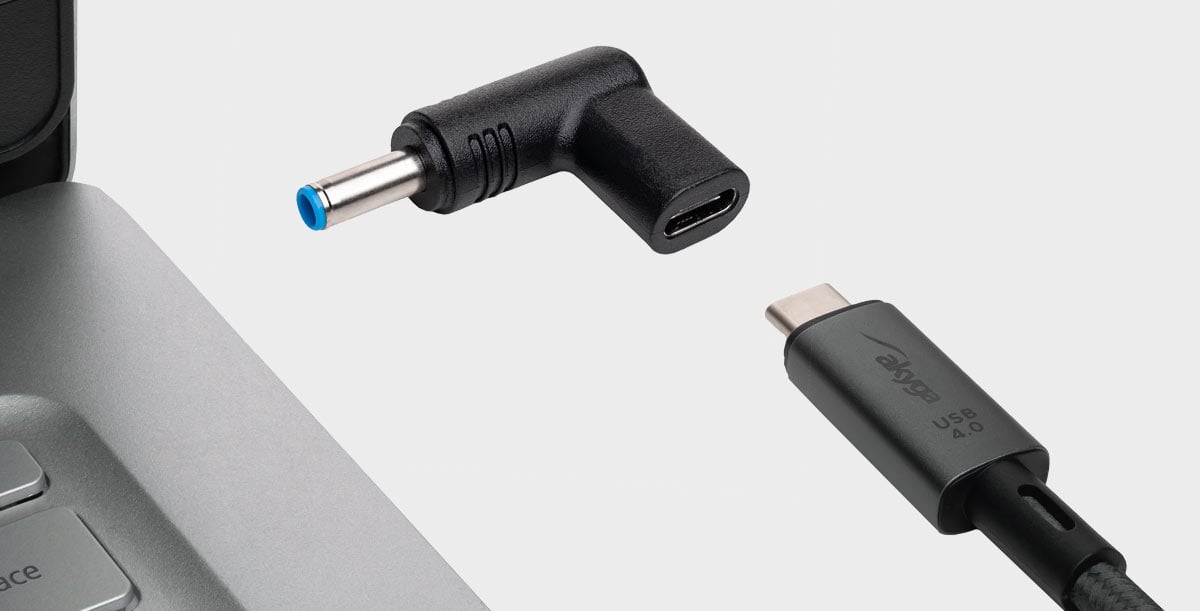
Universal laptop power banks come with multiple tips and adjustable voltage. They directly answer how can you charge a laptop without a charger for older models with barrel jacks.
- Choose a power bank rated for laptop use and with the correct voltage range (usually 12V to 20V).
- Match the tip and polarity precisely to your laptop.
- Set the correct voltage before connecting.
I’ve used a universal bank for older netbooks with barrel jacks. The trick is to double-check polarity and voltage. Wrong settings can damage the laptop.
Source: akyga.com
Removing the battery and using an external charger (advanced)
For removable batteries, you can charge the battery outside the laptop with a bench charger. This is a technical method for how can you charge a laptop without a charger when all else fails.
- Remove the battery carefully using manufacturer instructions.
- Use a compatible external battery charger that matches the battery chemistry and voltage.
- Reinstall the battery once fully charged.
This method carries risk. It’s best for users comfortable with hardware. If the battery is soldered or non-removable, don’t attempt this.

Source: youtube.com
Safety, limits, and things to avoid
Safety is the most important part when you explore how can you charge a laptop without a charger. Wrong voltage, poor connections, or cheap cables can harm your laptop or start a fire.
- Never connect power sources that don’t match the laptop’s voltage and polarity.
- Avoid cheap or unbranded cables and adapters that lack PD negotiation or proper shielding.
- Don’t use improvised methods like direct battery taps unless you are trained.
- Be cautious with secondhand batteries and power banks; check for swelling or damage.
From years of device repair, most mishaps come from mismatched voltages and fake chargers. Invest in quality gear and read labels closely.

Source: wikihow.com
Practical step-by-step: how to charge using a USB-C PD power bank
This short workflow shows a reliable way to answer how can you charge a laptop without a charger using USB-C PD.
- Check that your laptop accepts USB-C PD charging.
- Confirm the laptop’s required wattage in specs or on the original charger.
- Pick a power bank that supplies equal or greater wattage.
- Use a high-quality USB-C PD cable.
- Connect and monitor charging status. Avoid heavy workloads if the PD source is lower wattage.
I followed these steps several times to rescue laptops during client travel. It works well if you match wattage and use the right cable.

Source: youtube.com
Tools and accessories to consider
Having the right accessories makes charging without a charger safer and easier. These tools are worth carrying if you often need to answer how can you charge a laptop without a charger.
- High-capacity USB-C PD power bank (45W to 100W)
- USB-C to USB-C PD cables rated for the wattage
- Universal power bank with tip kit and adjustable voltage
- Car USB-C PD adapter or a quality inverter
- External battery charger for removable batteries (only if competent to use)
These items saved me multiple times when traveling or during power outages. They are small investments compared to the cost of urgent repairs.
Troubleshooting common issues
If your attempt to charge fails, try these checks to quickly solve problems about how can you charge a laptop without a charger.
- Confirm the laptop supports the chosen charging method (USB-C PD vs barrel jack).
- Test the cable and power source with another device.
- Check laptop firmware or BIOS settings that may disable USB charging.
- Inspect ports and tips for dirt, damage, or bent pins.
When I troubleshoot, I always start with the simplest check: cable swap. It fixes many “dead charger” incidents.
Frequently Asked Questions of how can you charge a laptop without a charger
What devices can charge a laptop without the original charger?
Many modern laptops with USB-C PD can use PD power banks and USB-C chargers. Older laptops may need a universal power bank with tips or a car inverter plus original charger.
Can I use a phone power bank to charge my laptop?
Only if the power bank supports USB-C PD and can deliver enough wattage for your laptop. Phone power banks often lack the wattage needed for full-size laptops.
Is it safe to charge a laptop from another laptop?
It is safe if both laptops support USB-C PD power roles and you use a proper PD cable. Charging will be slow and depends on the donor laptop’s output.
Can I use a car charger directly for a laptop?
Yes, via a USB-C PD car adapter or by using an inverter with your regular charger. Keep the engine running if needed to protect the car battery.
What if my laptop has a non-removable battery?
If the battery is non-removable, avoid external battery charging. Use compatible PD chargers, universal banks with appropriate adapters, or professional repair services.
Conclusion
You now know practical, tested ways to charge a laptop without a charger. USB-C PD power banks are the easiest and safest for modern machines, while universal banks, car solutions, and external battery charging cover older or special cases. Use quality cables, match voltages, and follow safety steps to avoid damage.
Try one of the options today based on your laptop type. If you found this helpful, leave a comment with your laptop model and situation, or subscribe for more hands-on tech tips.