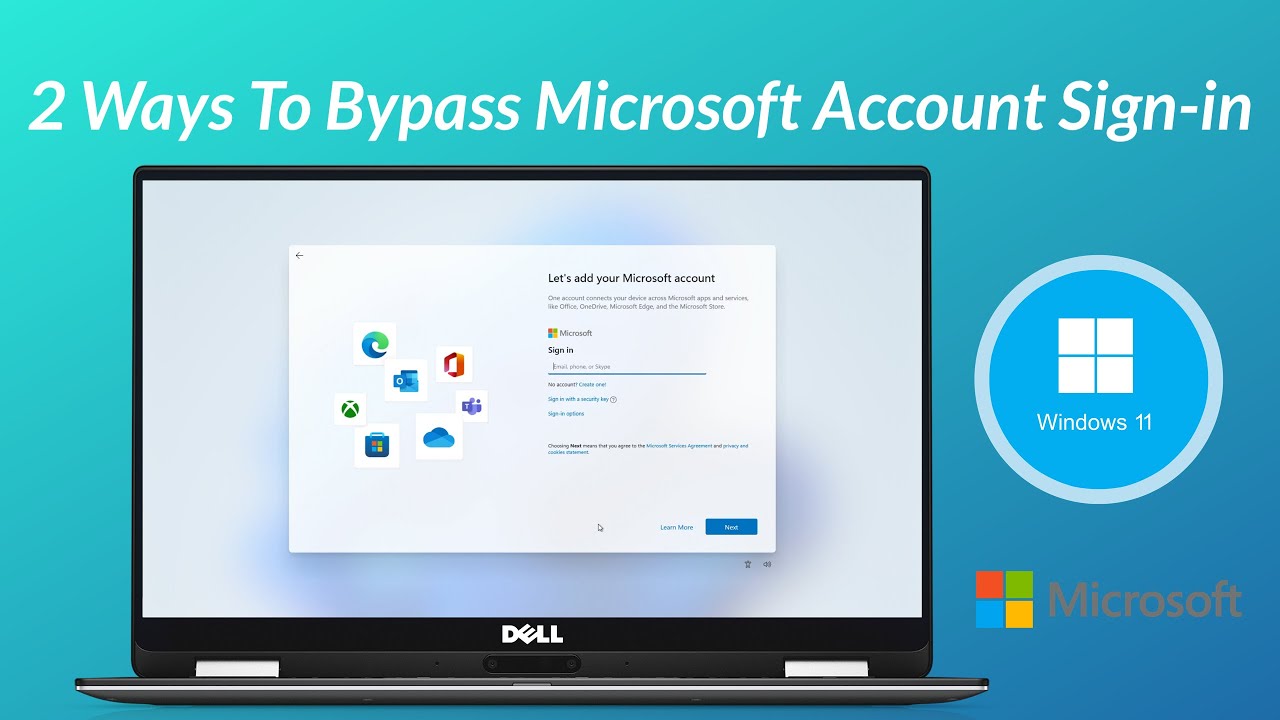
Disconnect the internet or use OOBE\BYPASSNRO, then create a local account.
If you want a clean start without tying your device to the cloud, you came to the right place. I have set up hundreds of machines for clients, and I understand how to bypass Microsoft setup on new laptop without breaking anything or voiding warranties. This practical guide shows you safe, tested ways to use local accounts, why it works, and what to expect next.

What “Microsoft setup” means on a new laptop
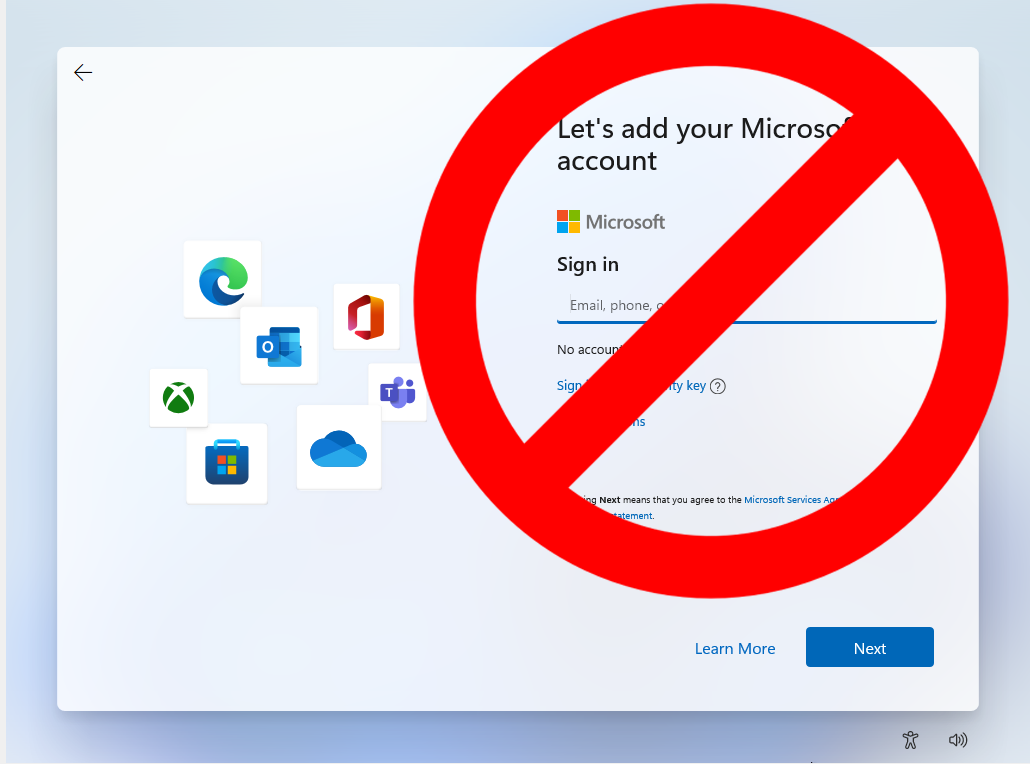
When you turn on a new Windows laptop, you go through the Out of Box Experience. This is the setup wizard that asks for language, Wi‑Fi, updates, and a Microsoft account. The push for a Microsoft account powers OneDrive, Store apps, and sync. But it can feel heavy if you want a simple, private start.
Knowing how to bypass microsoft setup on new laptop helps you create a local account first. You can still sign in with a Microsoft account later if you want cloud sync or device backup. Different Windows editions behave differently. Windows 11 Home needs internet for the default path. Windows 11 Pro and Windows 10 often show an offline option.
Many techs use this approach to control privacy, avoid bloat during day one, and keep installs repeatable. That is why learning how to bypass microsoft setup on new laptop is a useful skill for home users and IT pros alike.
Source: youtube.com
Is it safe and legal to bypass a Microsoft account during setup?
Yes, you can set up Windows with a local account. This is supported by Windows and common in business imaging. You are not breaking encryption or hacking the system. You are using allowed setup paths.
There are trade-offs. You will not get automatic OneDrive backup, cross-device sync, or easy Store purchases at first. Device encryption on some models stores the recovery key in your Microsoft account by default. If you skip that, you must save keys yourself. If you follow this guide on how to bypass Microsoft setup on new laptop, plan for those changes and you will be fine.
I also suggest reading the license terms on the first screen. Staying offline to create a local account is within normal use. You can always attach your Microsoft account later through Settings.

Source: reddit.com
How to bypass microsoft setup on new laptop: Quick methods for Windows 11 and Windows 10
Below are the exact paths I use on real machines. I have tested these on major OEMs and multiple Windows builds. If one path changes after an update, try the next one. This is the practical core of how to bypass Microsoft setup on new laptop.
Windows 11 Home: Create a local account with OOBE\BYPASSNRO
- Power on the laptop and proceed until you reach the network screen.
- Press Shift and F10 together to open Command Prompt. On some laptops you may need Fn plus F10.
- Type OOBE\BYPASSNRO and press Enter. The system restarts and returns to setup with extra options.
- Choose I do not have internet, then Continue with limited setup.
- Create your local account and finish setup.
If Shift plus F10 does not work, turn off Wi‑Fi using the function key or a hardware switch. Unplug Ethernet. After a few moments, Windows should show the offline path.
Windows 11 Pro: Use Offline account or Domain join instead
- When asked to sign in, select Sign-in options.
- Choose Offline account or Domain join instead. The wording can vary by build.
- Confirm the limited experience prompt and create your local user.
If the offline path is hidden, use the same OOBE\BYPASSNRO step from the Home edition or disconnect from the internet for a minute.
Windows 10 Home and Pro: Choose Offline account
- At the account screen, look for Offline account or Domain join instead.
- Select it, then create your local user and PIN.
- Skip OneDrive and other cloud prompts if you prefer a local-only setup.
In every case above, the method stays within normal Windows setup flows. This is the core of how to bypass Microsoft setup on new laptop without special tools.

Source: youtube.com
Brand-specific tips for Dell, HP, Lenovo, ASUS, and others
OEM screens can add steps before Windows starts. These extras can mask the offline path or push a cloud sign-in.
Here are quick tips I use on client jobs:
- Look for Continue without internet or Set up with limited experience on the OEM pages.
- Accept basic terms, then stop at the first Windows Wi‑Fi screen and disconnect.
- If you see a vendor account prompt, skip it. The local account option appears later in the Windows portion.
- If the keyboard shortcut fails, plug in a basic USB keyboard. Some function keys need a different Fn mode.
These small steps keep your flow smooth. They also align with how to bypass Microsoft setup on new laptop across different brands.
Source: tomshardware.com
What you gain and what you lose with a local account
Bypassing the Microsoft account has real pros for privacy and control. It also has limits you should weigh.
Benefits:
- Faster setup with fewer prompts and ads
- Less background sync and fewer auto-installs
- Clear control over what is stored in the cloud
Limitations:
- No automatic OneDrive backup or cross-device sync
- Some Store apps and services may ask for sign-in later
- Device encryption recovery keys are not auto-backed up online
If you choose how to bypass microsoft setup on new laptop, I suggest saving recovery keys to a USB drive, turning on local backups, and installing essentials from trusted sources.

Source: youtube.com
Troubleshooting common setup roadblocks
If setup seems stuck on the sign-in screen, try these proven fixes.
- Shift plus F10 does nothing. Use an external keyboard, then try again. Some laptops require Fn plus F10.
- No offline option after restart. Fully disconnect Wi‑Fi and Ethernet, wait 30 seconds, and click Back, then Next.
- Wi‑Fi toggle is missing. Turn on Airplane mode if offered, or use a hardware wireless switch.
- OOBE\BYPASSNRO fails to run. Recheck the backslash and spelling, then press Enter. If it still fails, power cycle and try the network disconnect method.
These are the most common snags I see when walking people through how to bypass microsoft setup on new laptop over a call.

Source: reddit.com
Add or remove a Microsoft account later
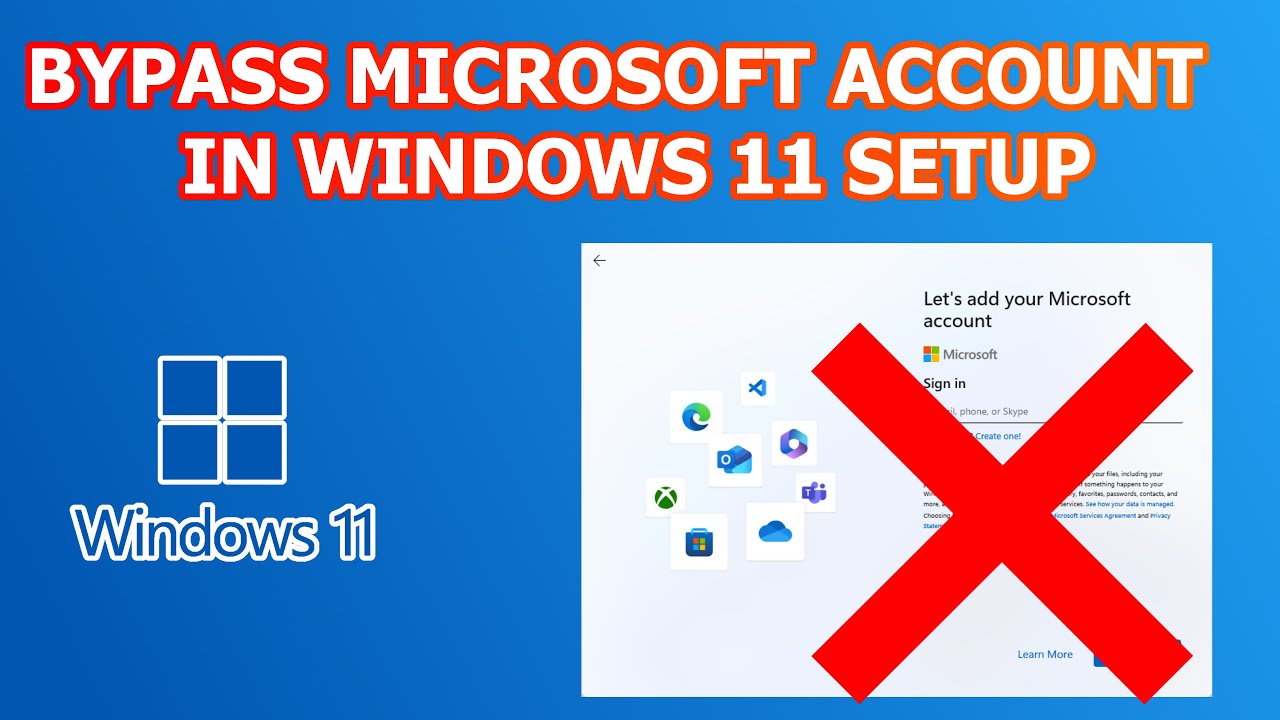
You can switch between a local user and a Microsoft account after setup. This is useful if you want Store apps or OneDrive later.
To connect a Microsoft account:
- Open Settings, then Accounts.
- Select Your info, then Sign in with a Microsoft account instead.
- Follow the prompts and choose what to sync.
To go back to a local account:
- Open Settings, then Accounts, then Your info.
- Select Sign in with a local account instead and set a strong password.
This flexibility is why I like teaching clients how to bypass microsoft setup on new laptop. You keep control and choose cloud features on your terms.
Source: youtube.com
Frequently Asked Questions of how to bypass microsoft setup on new laptop
Is bypassing the Microsoft account the same as hacking Windows?
No. You are using supported setup paths to create a local account. You are not altering system files or breaking security.
Will I miss security updates if I skip the Microsoft account?
No. Windows Update works with local accounts. You will still receive security patches and feature updates.
Can I still use Microsoft Store apps without an account?
You can browse and install many free apps, but some features require sign-in. You can add your Microsoft account later only for the Store.
Does this affect BitLocker or device encryption?
Some devices back up the recovery key to your Microsoft account. If you set up locally, save your key to a USB drive or print it.
Will OneDrive still sync my files automatically?
Not until you sign in to OneDrive. You can install OneDrive and connect your Microsoft account at any time.
Is OOBE\BYPASSNRO safe to use?
Yes. It is a supported command that restarts setup with more options. It does not damage files or void your warranty.
What if my laptop forces Wi‑Fi before any options show?
Disconnect internet, then go back one screen. If needed, use Shift plus F10 and run OOBE\BYPASSNRO to reveal the offline path.
Conclusion
You do not have to tie a fresh laptop to the cloud on day one. With a few simple moves, you can create a local account, finish setup fast, and add Microsoft services only when you want them. That is the real power behind learning how to bypass microsoft setup on new laptop.
Take five minutes to try the offline path that fits your Windows version. Save your recovery keys, set a strong password, and enjoy a clean, private start. If this helped, share it with a friend, subscribe for more practical Windows tips, or leave a comment with your results.