You can avoid creating a Microsoft account by choosing supported options or using a clean, official reinstall.
I’ve guided many users through new laptop setups and helped them choose legal, privacy-friendly paths when they ask how to bypass Microsoft setup on new laptop. This guide explains safe choices, official alternatives, privacy trade-offs, and trusted next steps. Read on to learn practical, experience-backed options for handling setup without risking device security or warranty.
Understanding the Microsoft setup and why it matters
Microsoft’s out-of-box experience (OOBE) guides new laptops through account setup, privacy choices, and initial configuration. Many users ask how to bypass Microsoft setup on new laptop to use a local account, protect privacy, or avoid account ties. The setup shapes access, recovery options, and cloud sync. Knowing what the setup does helps you pick a safe and supported path that meets your needs.

Why people look for ways to bypass Microsoft setup on new laptop
People seek ways to bypass Microsoft setup on new laptop for clear, valid reasons. Common motivations include:
- Desire for a local account to limit cloud syncing and telemetry.
- Need to set up a device for a temporary purpose or kiosk use.
- Preference for a different OS or a clean install without manufacturer apps.
- Concerns about forced sign-in or account linking on shared machines.
These are valid use cases. However, bypassing security controls can carry risks if done with unsupported hacks. This guide focuses on legal, supported, and safe options.
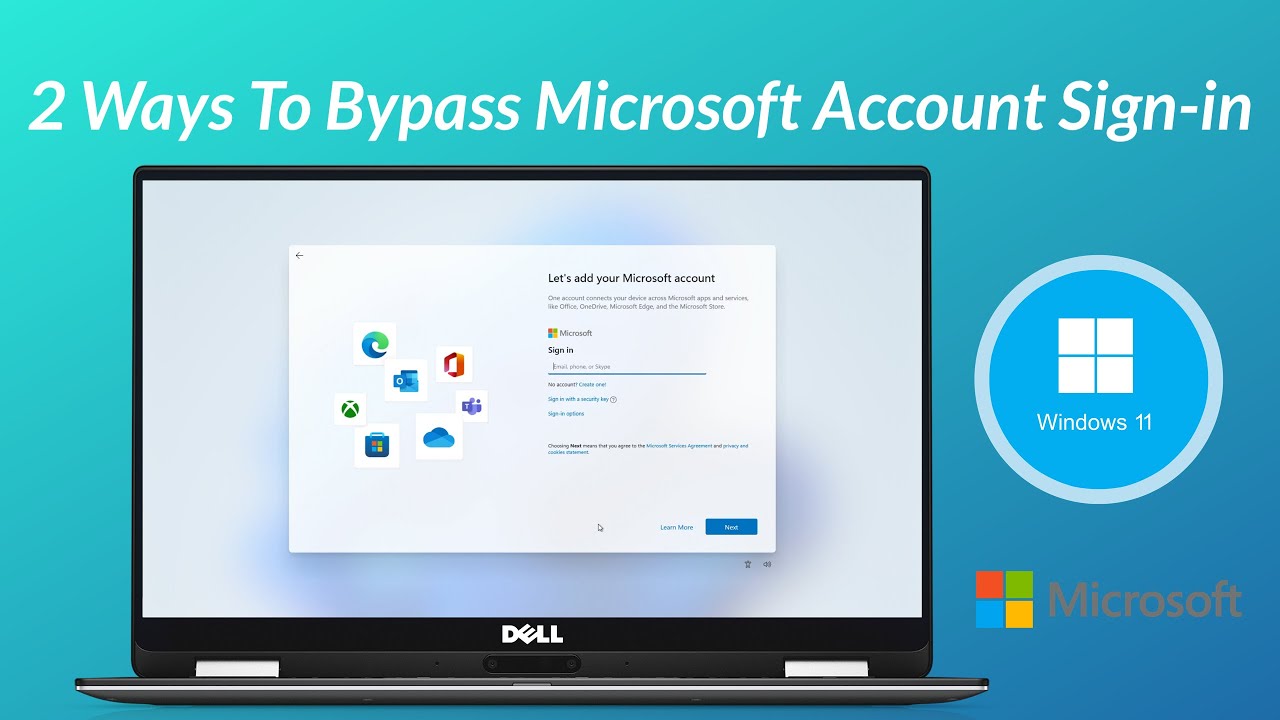
Official, supported ways to avoid Microsoft account during setup
If your goal is to bypass Microsoft setup on new laptop while staying safe and supported, try these approaches first:
- Choose the local account option when Windows provides it. Many Windows versions still offer “offline account” or “local account” choices.
- Use Windows Pro or Enterprise features. Some editions give more setup choices for domain join or local profiles.
- Set up with a temporary Microsoft account and convert to a local account later in Settings. This keeps recovery options but lets you switch later.
- Disconnect from the internet during setup when the installer allows an offline account creation step. This often prompts the device to offer a local account path.
Each option follows Microsoft’s intended behavior. If you encounter forced sign-in prompts, consider contacting device support or using a supported reinstall path.

Clean reinstall with official media as a reliable alternative
When built-in options don’t fit, a clean reinstall using Microsoft’s official installation media can reset the system to default Windows. This is a supported way to control what appears during setup and can remove preinstalled OEM software. Key, high-level steps are:
- Back up your files and note product keys or activation status.
- Obtain official installation media from Microsoft’s download tool.
- Boot from the media and perform a custom install.
- During OOBE, select the setup choices that match your goal (local account, privacy settings, etc.).
A clean reinstall is a solid approach if your laptop’s setup flow is restrictive. It restores a clean baseline and avoids unsupported hacks. Always use official media and follow the device warranty rules.

Privacy, security, and warranty implications
Trying to bypass Microsoft setup on new laptop can expose you to trade-offs. Understand these before you act:
- Security trade-offs: Microsoft account and built-in protections help with password recovery, device tracking, and cloud backups. Removing those can make device recovery harder.
- Privacy trade-offs: A local account reduces cloud sync but also disables some recovery features and convenience. Weigh what matters most.
- Warranty and support: Hardware vendors may void support if you perform unsupported firmware changes or remove factory software in ways they don’t approve. Consult the warranty terms.
I recommend balancing privacy and safety. If privacy is the priority, choose supported routes such as local accounts or a clean install. If device recovery is important, keep the Microsoft account linked.
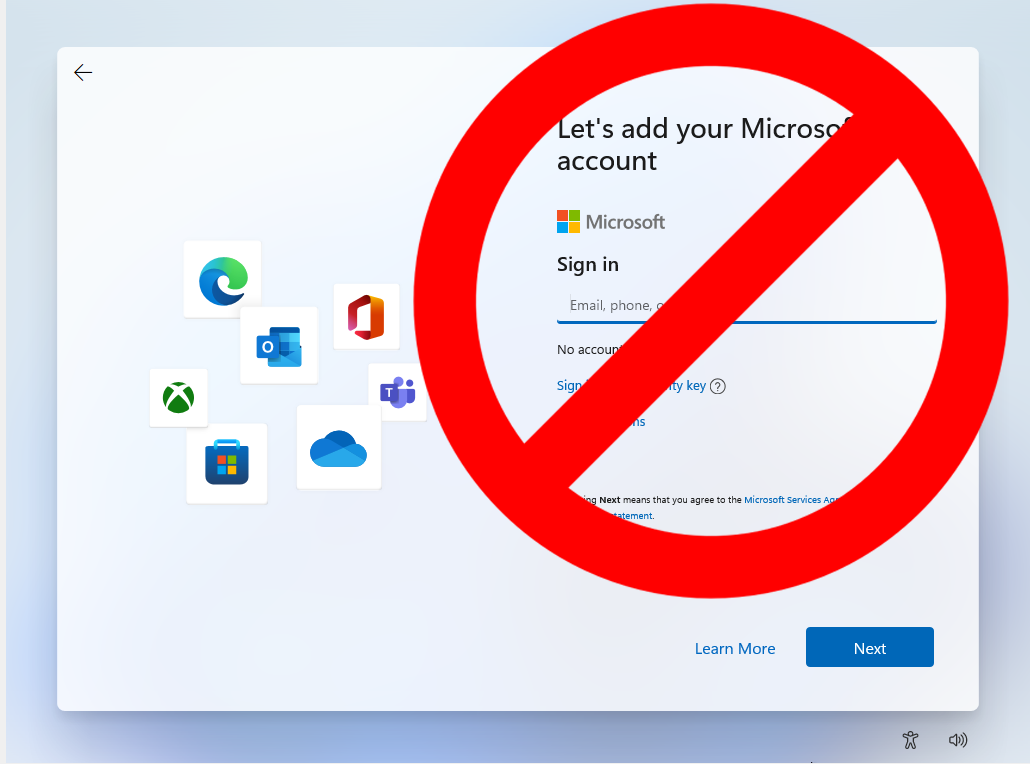
My practical experience and lessons learned
I’ve helped friends and clients set up many new laptops. In one case, a client wanted no cloud ties for a shared office machine. We chose a clean install using official media, created a strong local admin account, and added a standard user for daily work. That setup kept privacy high and left a recovery plan via a documented admin account.
Lessons I learned:
- Always back up first. Losing data is the main regret.
- Document account details. A local account with no backup can lock you out.
- Prefer supported methods. Hacks can break updates or warranty coverage.
These small steps save time and stress later. If you need help, contact official support rather than relying on third-party workarounds.

Practical checklist before you act
Before you try any route to bypass Microsoft setup on new laptop, run through this quick checklist:
- Backup all personal files and export browser passwords and keys.
- Note current activation status and any OEM recovery partitions.
- Review your warranty and support terms.
- Prepare a recovery drive or official installation media.
- Decide whether you need cloud recovery, device tracking, or full privacy.
This checklist keeps your options safe and reversible.
PAA-style questions (People Also Ask)
Can I skip creating a Microsoft account when setting up a new laptop?
Yes. Many Windows setups allow a local or offline account. If the installer forces an online sign-in, use a supported alternative like a clean reinstall or contact support.
Is it legal to bypass Microsoft setup on new laptop?
Using supported settings or officially reinstalling Windows is legal. Avoid unsupported hacks that may violate terms or local laws.
Will I lose activation if I reinstall Windows to bypass setup?
If the device came with a licensed Windows install, activation usually reactivates automatically after a clean install. Keep your license details handy.
Does bypassing the Microsoft setup affect updates?
Using a local account does not block updates. However, some cloud-based features and settings sync will be disabled.
Is a local account safer for privacy?
A local account reduces cloud sync and telemetry tied to a Microsoft account. It may limit recovery options and conveniences offered by Microsoft services.
How to bypass microsoft setup on new laptop without losing warranty?
Use official options like local account choice, clean reinstall with official media, or consult the device maker. Avoid firmware hacks that can affect warranty.
Will a clean reinstall remove manufacturer bloatware?
Yes. A clean reinstall with official media typically removes preinstalled OEM apps and restores a cleaner Windows image.
Can I switch from a Microsoft account to a local account later?
Yes. Windows lets you switch account types after setup in the account settings. This keeps your data and lets you revert if needed.
These concise answers should clear common questions.

Frequently Asked Questions of how to bypass microsoft setup on new laptop
Is it safe to try to bypass Microsoft setup on new laptop?
Using supported options like choosing a local account or performing an official reinstall is safe. Avoid unsupported exploits that risk security or warranty.
What is the easiest supported way to avoid a Microsoft account?
Select the offline or local account option during setup when it is available, or perform a clean install with official installation media.
Can I use a temporary Microsoft account and then remove it?
Yes. You can sign in temporarily and convert to a local account later in Settings. This keeps recovery features until you switch.
Will bypassing setup stop Windows updates?
No. Updates still install for Windows regardless of account type, though some cloud features may not sync without a Microsoft account.
Who should I contact if setup forces an unwanted flow?
Contact the laptop maker or Microsoft support. They can explain the device-specific setup and offer supported solutions.
Does bypassing the setup delete my files?
If you choose a clean reinstall, it can delete files unless you back them up first. Always back up before major changes.
Conclusion
You can handle how to bypass microsoft setup on new laptop in safe, legal ways by using built-in options, an official clean reinstall, or by contacting support. Balance privacy needs with recovery and security. Take backups, read warranty terms, and choose supported methods to avoid headaches. Try one of the suggested routes or ask for help from official support. If this guide helped, share your experience below or subscribe for more practical setup tips.