Wireless security cameras are powered by batteries, solar panels, AC adapters, or Power over Ethernet (PoE) systems.
I’ve installed and tested many camera systems over the years, so I’ll walk you through how do you power wireless security cameras in plain language. This guide covers every practical option, real-world pros and cons, installation tips, and troubleshooting steps so you can pick the right power method for your setup and avoid common mistakes.

Why understanding how do you power wireless security cameras matters
Choosing the right power method affects uptime, maintenance, placement, and cost. Knowing how do you power wireless security cameras helps you plan wiring, battery swaps, or solar placement before buying hardware. Bad power choices lead to dead cameras, blind spots, and wasted time.

Source: mammothsecurity.com
Main power methods for wireless security cameras
Most wireless cameras use one of these power methods. Each method has trade-offs for reliability, installation complexity, and cost. Below, I describe the common choices and when they make sense.

Source: camius.com
Battery-powered cameras
Battery cameras run on replaceable or rechargeable batteries. They are easy to mount and require no wiring. Battery life varies from weeks to over a year based on activity and settings.
Pros
- Portable and simple to install
- Works where wiring is impractical
Cons
- Requires regular charging or replacement
- Performance drops in extreme cold
Solar-powered systems
Solar panels charge a battery or a camera directly. They reduce maintenance and can keep cameras running long-term in sunny spots. Solar is ideal when running AC or Ethernet is difficult.
Pros
- Low ongoing power cost
- Long-term hands-off operation
Cons
- Upfront cost and need for good sun exposure
- May need a larger battery for cloudy months
Power over Ethernet (PoE)
PoE delivers power and data over one Ethernet cable. It is common for professional systems to provide reliable, continuous power. PoE needs cable runs and possibly a PoE switch or injector.
Pros
- Stable, constant power
- Higher data reliability and often better video quality
Cons
- Requires wiring and network hardware
- Installation can be more technical
AC adapters and wired power
Some wireless cameras are “wireless” in data only and still need AC power. You run a nearby outlet or an exterior-rated power line to the camera. This gives continuous power but may require an electrician.
Pros
- Continuous power without battery swaps
- Simple for locations near outlets
Cons
- Visible wires or need for conduit
- May require professional installation
Hybrid and backup setups
Combine methods for reliability. For example, AC or PoE with a battery backup, or solar plus an AC fallback. Hybrid setups keep cameras online during outages.
Pros
- Increased uptime
- Protection from single points of failure
Cons
- Higher cost and more complex setup
How to choose the best way to power wireless security cameras
Match power choice to your priorities: uptime, ease, and cost. Ask these quick questions to decide.
Checklist
- Do you need continuous 24/7 recording or occasional monitoring?
- Is there easy access to an AC outlet or Ethernet cable?
- Will the camera face heavy activity or motion triggers that shorten battery life?
- Is the local weather extreme, or is sun exposure limited?
- Are you comfortable running cables or hiring a pro?
Use answers to pick battery, solar, PoE, or AC. If unsure, choose a hybrid or power backup.
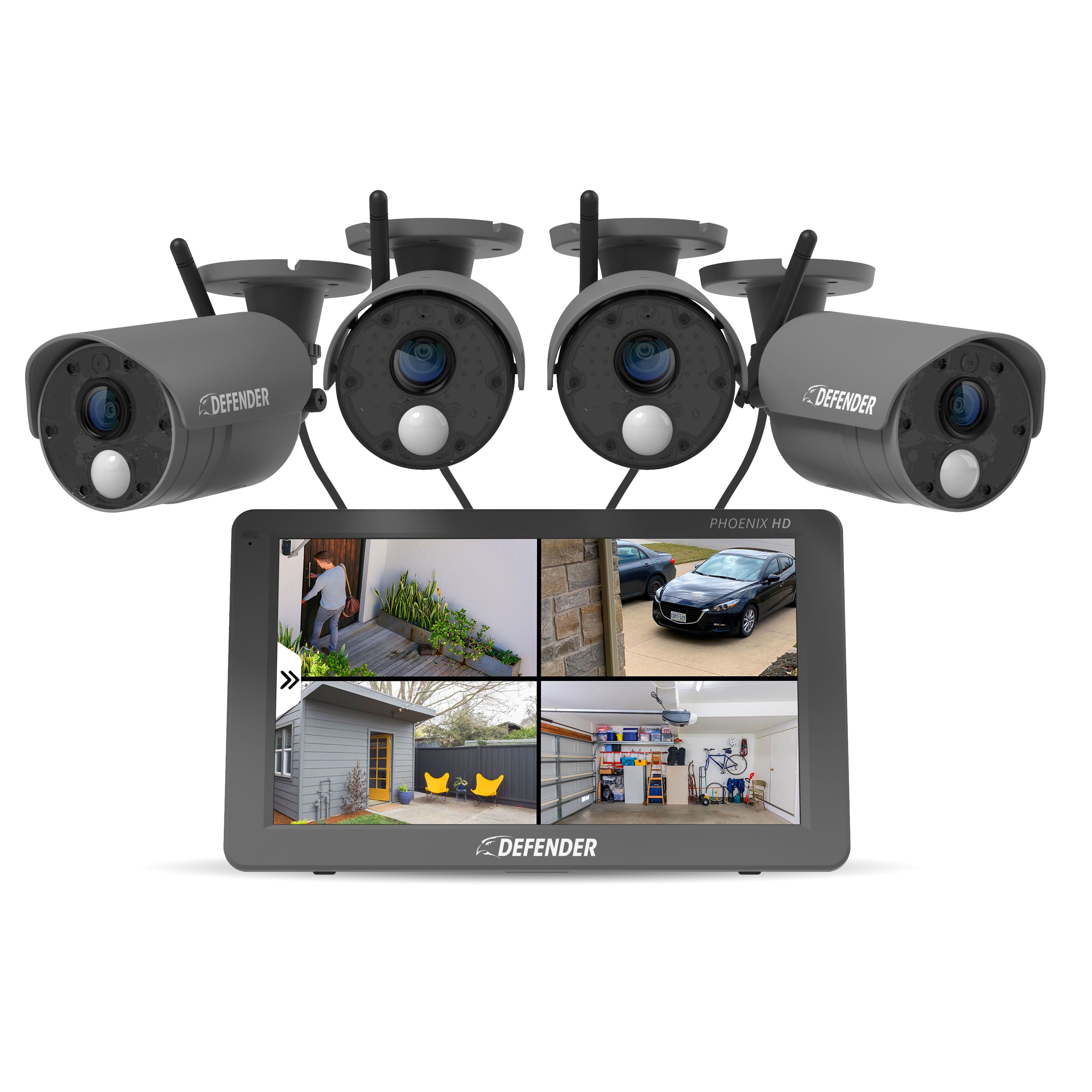
Source: defendercameras.com
Installation and safety tips for powering wireless cameras
Follow practical steps to keep installations safe and reliable. Small mistakes make cameras go offline or fail early.
Installation steps
- Plan cable routes before drilling. Sketch where the camera, power, and network equipment will sit.
- Use weather-rated cable and connectors for outdoor runs. Protect ends with silicone or gaskets.
- If using PoE, label cables and test with a PoE tester before finalizing.
- For solar, position panels to face true south (in the Northern Hemisphere) and tilt for the season.
- Ground and surge-protect AC or PoE systems to reduce lightning damage risk.
- Maintain access for battery swaps or solar cleaning. Place cameras where you can safely reach them.
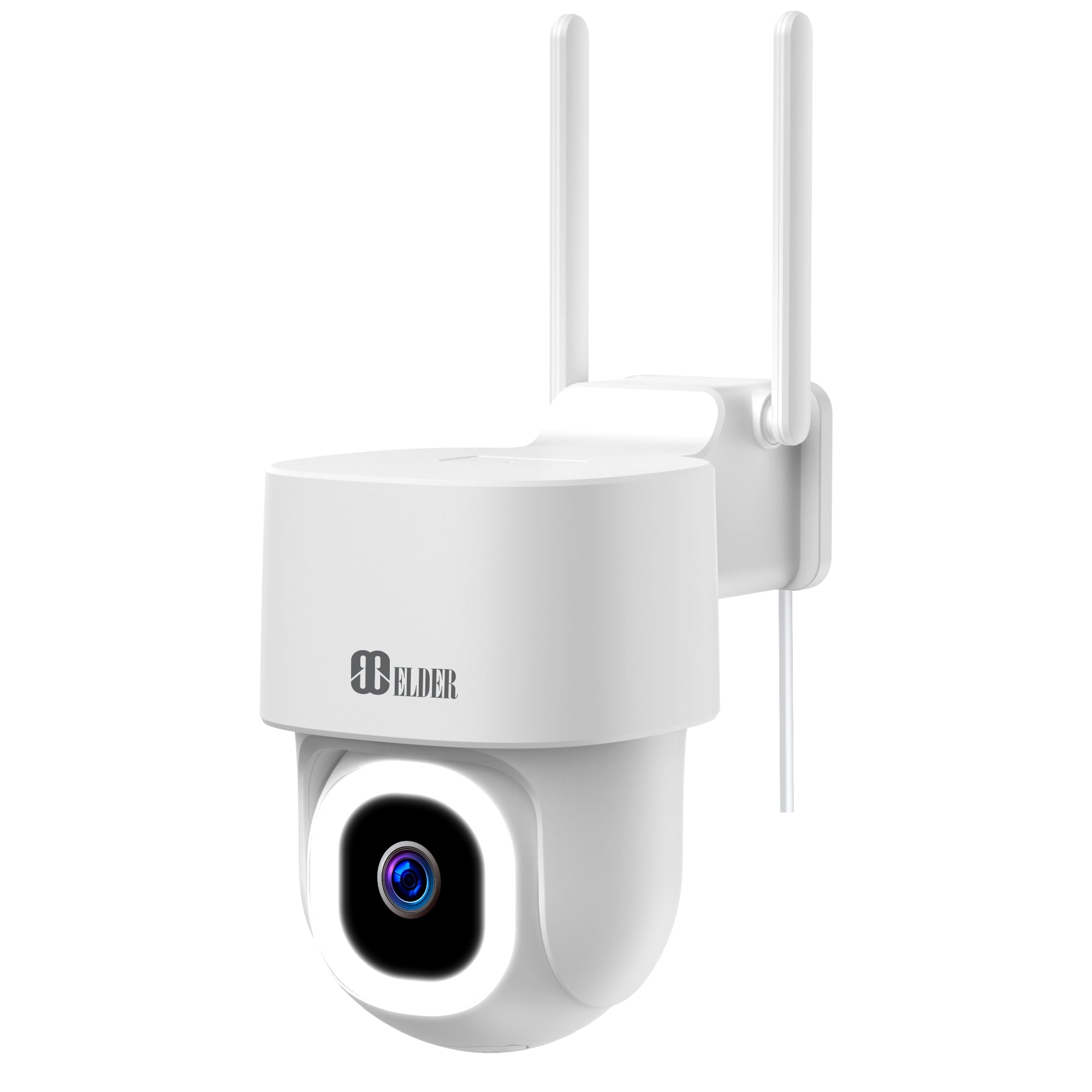
Source: secomart.com
Troubleshooting common power problems
When a camera goes offline, the issue is often power-related. Here’s a simple checklist to diagnose problems fast.
Quick troubleshooting steps
- Confirm the camera has power: check LEDs or status lights.
- Test the power source with a multimeter or swap in a known-good power supply.
- For battery cameras, fully charge and verify battery health using the app.
- For PoE, ensure the switch or injector supplies enough watts for the camera model.
- Inspect connectors and cables for water damage or breaks.
- Check firmware and app settings; sometimes low-power modes or schedules disable cameras.

Source: nightowlsp.com
Personal experience: practical lessons from installs
I once mounted battery cameras on a rental property and underestimated motion-triggered recordings. Batteries drained in days. I switched to solar panels with a larger battery and reduced motion sensitivity. That saved time and kept tenants safer. Lessons learned:
- Always estimate real-world activity, not just idle specs.
- Test battery runtime in the field before final mounting.
- Document cable runs and label everything during installation.

Source: securitycameraking.com
Cost, maintenance, and lifespan comparisons
Plan upfront and ongoing costs. Here’s a quick side-by-side view to help with budgeting.
Cost and maintenance highlights
- Battery cameras: low initial cost for basic models, ongoing cost for battery replacement or charging.
- Solar systems: higher upfront cost, lower long-term maintenance if panels are kept clean.
- PoE/AC: higher installation cost if wiring is needed, but low ongoing maintenance.
- Hybrid: highest cost, best uptime, and least maintenance interruptions.
Battery lifespan varies by chemistry and use. Rechargeable lithium packs last for years with proper care. Solar systems need occasional panel cleaning and battery checks.

Source: amazon.com
Frequently Asked Questions of how do you power wireless security cameras
How long do batteries last in wireless security cameras?
Battery life depends on usage, motion events, and model. Typical runtime ranges from a few weeks to over a year for low-activity setups.
Can I use solar to power any wireless camera?
Many cameras support solar with an adapter or dedicated solar accessory. Check the camera’s power input and recommended panel specs before buying.
Is PoE better than Wi-Fi for camera power and data?
PoE offers more reliable power and network performance. If you can run cable, PoE is often the best choice for continuous outdoor and high-resolution cameras.
Do wireless cameras work during power outages?
Battery and solar-powered cameras can continue working during outages. Cameras that rely on AC or non-backed PoE will go offline unless paired with backup power.
How do I protect cameras from lightning or surges?
Use surge protectors, ground metal mounts, and install weatherproof housings. For PoE, use network surge protectors at the switch or entry point.
Can I mix power methods on the same system?
Yes. Mixing methods gives resilience. For example, PoE for main cameras and battery-solar combos for remote spots.
Conclusion
Choosing how do you power wireless security cameras shapes performance, placement, and peace of mind. Pick the method that matches your site, budget, and desired uptime. Start small, test runtime or panel placement, and upgrade to hybrid power if reliability matters. If you’re ready, map your site, pick a power plan, and install one camera as a pilot. Share your results, ask questions, or subscribe for more hands-on tips.