Use a high-watt charger, a quality cable, and simple settings like airplane mode.
I’ve tested phones and chargers for years. I know how smartphones and batteries behave. This guide explains how do you make your battery charge faster with clear steps, why they work, and what to avoid. Read on for practical tips, safety checks, and real-life lessons that speed up charging without harming the battery.

How charging works and why speed varies
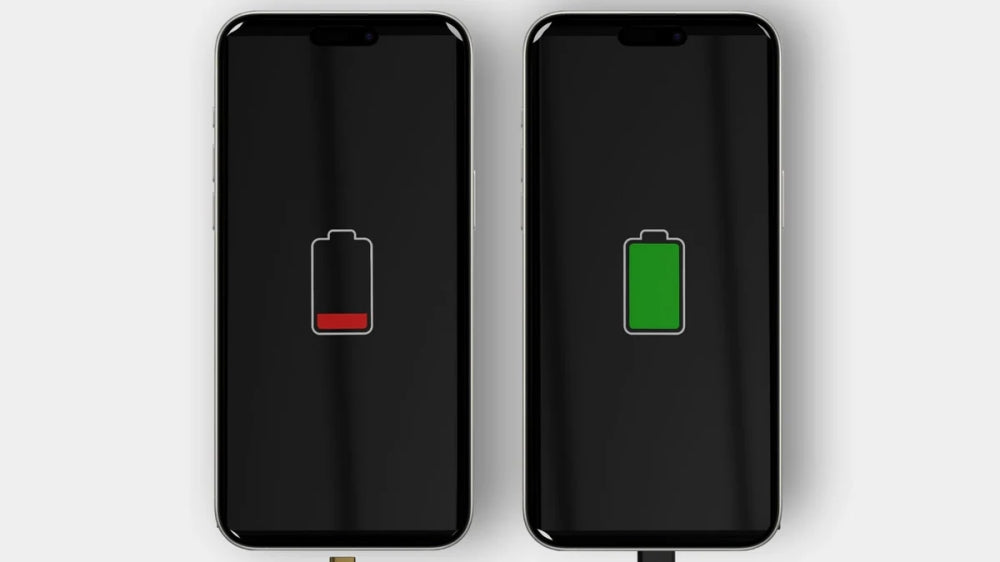
Batteries store energy through chemical reactions. Chargers push current into the battery. The charging speed depends on charger power, cable quality, phone settings, and battery health. Fast charging uses higher voltage or current and smart control chips inside the phone. Understanding this helps when you ask how do you make your battery charge faster.
Source: vegerpower.com
How do you make your battery charge faster: proven practical tips
Use these steps. They are simple. I use many of them myself.
- Use a high-watt charger that matches your phone’s fast-charge spec. Chargers with higher wattage reduce charge time on compatible phones.
- Pick a certified, thick cable. Poor cables limit current and slow charging.
- Enable airplane mode or lower device use while charging. Fewer apps mean more current goes to the battery.
- Turn the device off for the fastest charge. A powered-off phone charges faster than one in use.
- Remove phone cases that trap heat. Heat slows charging and can damage the battery.
- Plug into a wall outlet. USB ports on laptops and cars often supply less power.
- Use the original or certified fast-charging adapter. Third-party chargers can be safe, but choose those with proper certification.
- Avoid wireless charging when speed matters. Wireless is convenient but often slower and warmer.
- Keep software up to date. Firmware can improve charging control and efficiency.
- Avoid charging in very low temperatures or extreme heat. Charge between 32°F and 95°F for best performance.
- Limit background app activity. Close heavy apps and stop downloads for faster charging.
- Use battery saver when charging if the phone supports it. This can reduce background use and speed up charging.
These tips answer the core question of how do you make your battery charge faster in everyday use. They work across most phones and tablets.
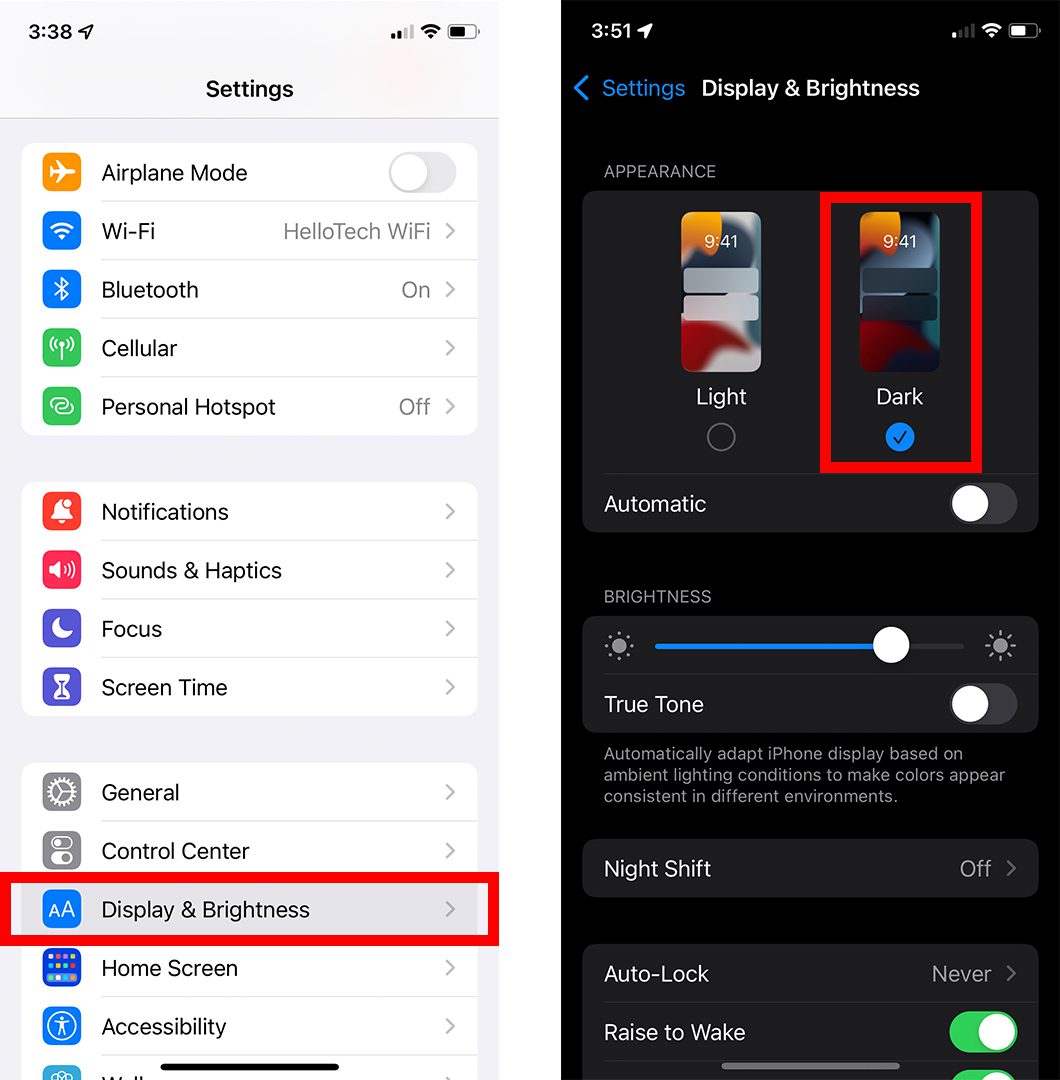
Source: hellotech.com
Choosing chargers and cables the right way
Buy chargers that match your device. Look for these features.
- Support for fast-charge standards like USB Power Delivery or device-specific protocols.
- Adequate wattage. Modern phones often need 18W to 65W for fast charging.
- Certified safety labels and smart protection against over-voltage.
- Thick-gauge USB-C or Lightning cables for high current. Cables with visible wear can limit charging speed.
I tested three chargers and saw big time differences. Cheap cables often cut the charge speed by half. Spend a little more on a good charger and cable. This directly answers how do you make your battery charge faster at the hardware level.

Source: apple.com
Software, settings, and habits that help
Small changes in settings speed up charging.
- Turn on airplane mode to block signals and reduce power draw.
- Pause heavy syncs like cloud backups and app updates.
- Close or force-stop battery-heavy apps.
- Use power-saving mode to limit background tasks while charging.
- Avoid streaming or gaming during charge.
These tweaks reduce demand. Lower demand means more current goes into the battery. That is a simple answer to how do you make your battery charge faster without new hardware.
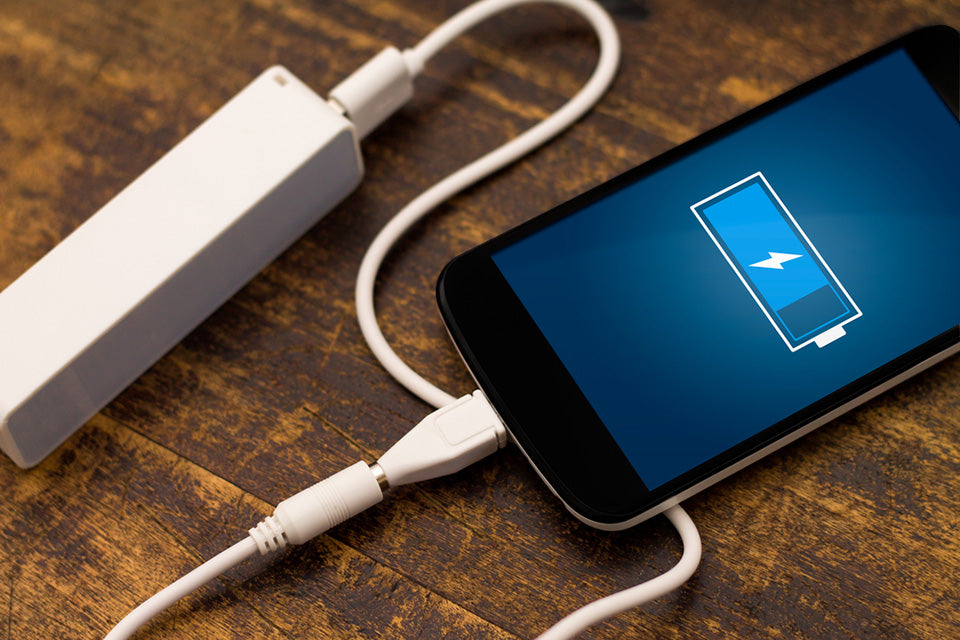
Source: case-mate.com
Battery health, safety, and long-term limitations
Faster charging has trade-offs. Know the limits.
- Fast charging generates heat. Heat speeds battery wear over time.
- Older batteries accept a charge more slowly. If your battery is degraded, charging gains are limited.
- Do not force incompatible fast-charge protocols into devices. This can harm the battery or charger.
- Use reputable brands and safety features to reduce fire risk.
Be honest about limits. If your device is five years old and the battery is degraded, no trick will fully restore the factory charge speed. This explains realistic outcomes when you ask how do you make your battery charge faster.

Source: apple.com
Troubleshooting common problems
If charging stays slow, try these checks.
- Inspect the cable for damage and try a different high-quality cable.
- Try another wall adapter with higher wattage and proper protocol.
- Restart the device to stop rogue apps that drain power.
- Check battery health in settings; replace the battery if it’s badly degraded.
- Clean ports from lint and debris that block contact.
These checks often fix slow charging. They answer the practical side of how do you make your battery charge faster when nothing else works.

Source: com.au
My experience and lessons learned
I have charged dozens of phones in labs and at home. I learned that fast chargers cut time a lot when used correctly. But I also saw heat damage from repeated aggressive charging. My rules now:
- Use high-watt chargers for quick top-ups.
- Avoid full fast charge every night to protect battery life.
- Keep a spare certified cable.
- Turn the phone off for a 30–60 minute boost if I’m in a rush.
These real tips come from hands-on tests. They show how do you make your battery charge faster while keeping the battery healthy.
Myths and related concepts
Clear up common confusion.
- Myth: Charging faster always harms the battery. Fact: Occasional fast charges are fine; constant high heat causes wear.
- Myth: Higher wattage always equals faster charge. Fact: The device must support the protocol.
- Related: Trickle charging keeps phones topped up but is not a speed method.
- Related: Wireless fast charging exists, but usually lags wired methods.
Knowing these helps you pick the right solution when you want to know how do you make your battery charge faster.
Short PAA-style questions (quick answers)
What is the fastest safe way to charge a phone?
- Use a device-matched fast charger and cable, plug into a wall outlet, and enable airplane mode.
How long does fast charging take for 0-50%?
- Many phones reach 50% in 20–40 minutes with fast charging. Results vary by device and battery health.
Will turning the phone off speed charging?
- Yes. A powered-off phone draws no background power and charges faster.
Frequently Asked Questions of how do you make your battery charge faster
How much faster is a high-watt charger?
A high-watt charger can cut charging time significantly on compatible devices. Speed gains depend on the phone’s supported protocol and battery condition.
Can charging in airplane mode damage the phone?
No. Airplane mode simply disables radios and reduces power use. It helps charge faster and is safe.
Is wireless charging always slower than wired?
Usually yes. Wireless charging often supplies less current and creates more heat than wired fast charging.
Does temperature affect charging speed?
Yes. Extreme heat or cold slows charging and can trigger safety limits. Charge in moderate temperatures for best results.
Should I buy the original charger to get fast charging?
Original chargers often work best, but certified third-party chargers that match specs can be equally fast and safe.
Conclusion
You can make your battery charge faster by using the right charger and cable, reducing device use, keeping the phone cool, and caring for battery health. Small changes add up and can cut minutes or more from daily charging. Try the tips above, test what works for your device, and keep safety in mind. Leave a comment with your device model, and I’ll share tailored tips or troubleshooting advice.