Learn how to charge phone in car wireless with the right Qi charger, proper phone placement, and fast-charging tips for safer, hassle-free power on the go.
Charging your phone in the car can be tricky sometimes. Wires get tangled, plugs don’t fit, and it can be a mess. What if you could charge your phone without any wire? Sounds good, right? This is what wireless charging in your car means. Let’s learn how to charge phone in car wireless, step by step.
What Is Wireless Charging?
Wireless charging means charging your phone without a cable. Instead, you put your phone on a special pad or area. That pad sends power to your phone using something called “induction.” No wires needed! Your phone’s battery fills up just by sitting on the charger.
It is like magic. But it is real science. Many new phones can charge this way. If your phone can, it will say “Qi” or “wireless charging” on the box or in the manual.
Why Charge Phone Wirelessly in Car?
- No messy wires to untangle.
- You can quickly put your phone down and charge.
- Less chance of damage to charging cables.
- More neat and clean car space.
Sounds good for busy people. But how do you do it? Let’s see.
What You – how to Charge Phone in car Wireless
Before you start, you must have some things ready. Here is a list:
| Item | Why You Need It |
|---|---|
| Wireless Car Charger | This is the pad or holder that charges your phone without wires. |
| Phone with Wireless Charging | Your phone must support wireless charging to work. |
| Car Charger Adapter | To plug the wireless charger into your car’s power outlet. |
| USB Cable (Usually USB-C) | To connect the wireless charger to the car adapter. |
Got all these? Great! Now, let’s move to the steps.
Step 1: Choose a Good Wireless Car Charger
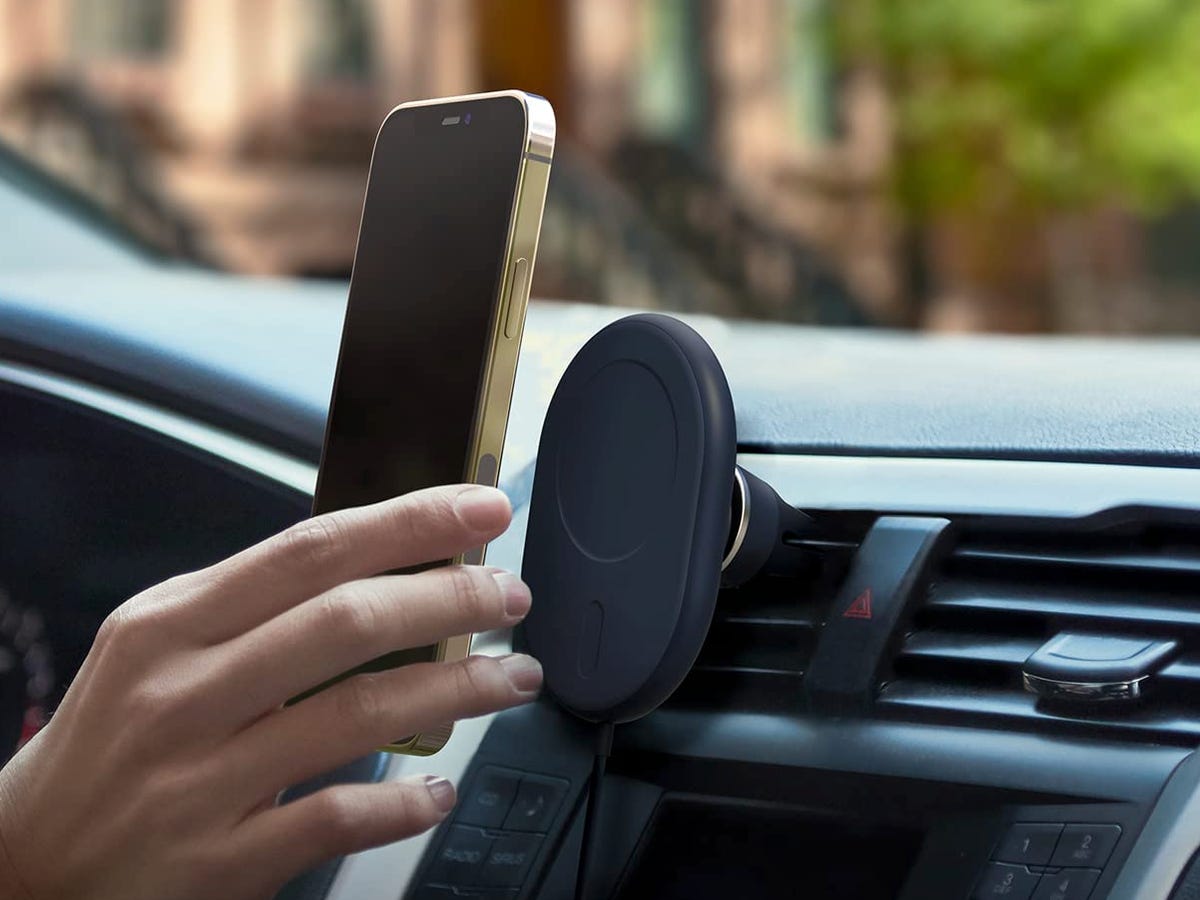
There are many chargers out there. Some stick to your dashboard. Others hold your phone like a clamp. Pick one that fits your car and phone well.
Look for these features:
- Strong grip so phone does not fall.
- Fast charging support.
- Easy to install and remove.
- Works with your phone size.
Not sure? Ask a store helper or check online reviews.
Step 2: Find the Best Place to Put the Charger
Where to place the charger in your car? Good question!
Try these spots:
- Dashboard, near your hand.
- A center console that you can easily.
- Air vent holder, if your charger supports it.
Make sure the spot does not block your view or car controls. Safety first!
Step 3: Connect the Wireless Charger to Power
A wireless charger needs power to work. You get power from your car’s power outlet or cigarette lighter.
Use the USB cable to connect the charger to the car adapter. Then plug the adapter into a power outlet.
Check if the charger’s light turns on. This means it is ready.
Step 4: Place Your Phone on the Charger
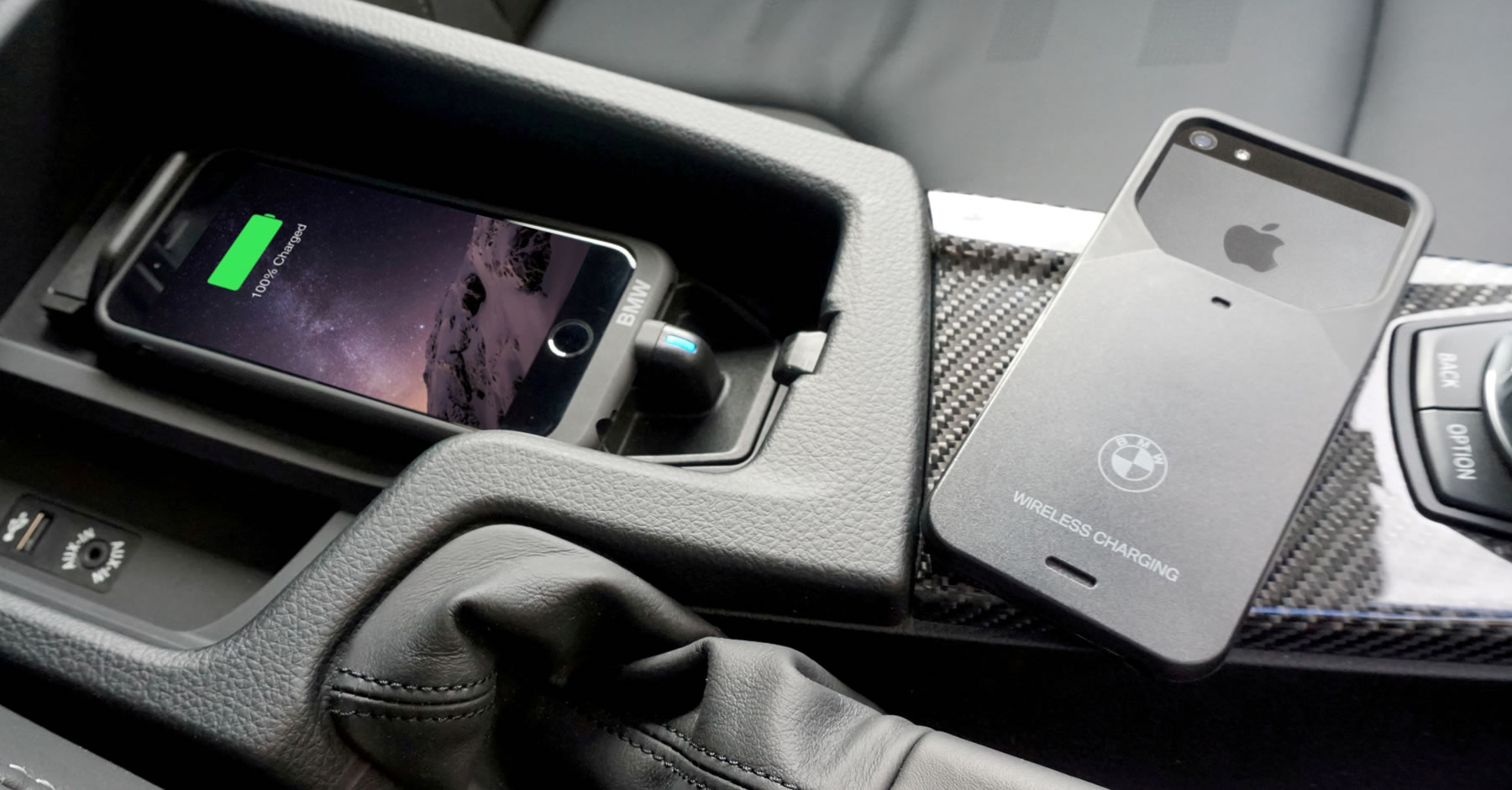
Now, put your phone carefully on the charging pad or holder.
The phone and charger must line up well. If they don’t, the phone won’t charge.
You may see a light on the charger or a battery icon on your phone. This means charging has started.
Step 5: Keep Your Phone Charged and Safe
While driving, do not move your phone too much. It may fall or stop charging.
Also, avoid putting thick cases on your phone. Some cases stop wireless charging.
If your phone does not charge, check these:
- Is the charger plugged in?
- Is your phone in the right spot?
- Does your phone support wireless charging?
- Is your phone case too thick?
Extra Tips for Better Wireless Charging in a Car
- Clean the charging pad often. Dust can stop charging.
- Use your phone’s original case or a thin one.
- Turn off the phone’s power saver mode for faster charging.
- Do not block the charger with metal objects.
- Try to keep the car cool. Phones charge more slowly in the heat.
Is Wireless Charging in Car Faster Than Wired?
Usually, wired charging is faster. Wireless charging is slower but more convenient.
In the car, wireless charging is great for top-up. That means a little extra charge during your drive.
If you want super fast charging, use a cable sometimes.
What If My Phone Does Not Support Wireless Charging?
No worries. You can still charge your phone in the car.
Use a good cable and car charger adapter. This works for all phones.
Or, buy a wireless charging case for your phone. It adds wireless charging ability.
Frequently Asked Questions
How Does Wireless Car Charging Work?
Wireless car charging uses a special pad that sends power through magnetic fields. Your phone must support wireless charging to work with it. Just place your phone on the pad, and it starts charging.
Can All Phones Charge Wirelessly In Cars?
Not all phones support wireless charging. Most newer smartphones do, but check your phone’s specs first. If it supports Qi wireless charging, it should work.
Is Wireless Car Charging Slower Than Wired Charging?
Wireless charging is usually slower than a wired connection. It gives a steady charge but takes more time. For quick charging, wired is still faster.
Do I Need A Special Case For Wireless Charging?
You don’t always need a special case, but thick or metal cases can block charging. Thin, plastic cases usually work fine. Remove metal or thick cases for better charging.
Conclusion
Charging your phone in the car without wires is easy and neat. You just need a good wireless charger, place it well, and connect it right.
Remember these:
- Check if your phone supports wireless charging.
- Choose a charger that fits your car and phone.
- Connect the charger to the power outlet in the car.
- Place the phone correctly on the charger.
- Keep phone and charger clean.
Next time you drive, try wireless charging. It makes your trip less messy and more fun!